Do you need help & advice with Cybersecurity?
Key Takeaways
Implementing DMARC is a critical step for securing your domain against malicious impersonation, yet it requires a measured approach to avoid disrupting legitimate business traffic. These are the main points to consider:
- Start with a monitoring policy to gain full visibility into your email ecosystem.
- Gradually increase enforcement to minimize the risk of blocking valid communication.
- Prioritize proper SPF and DKIM alignment across all sending services.
- Use quarantine as a transitional phase to identify false positives safely.
- Reach full protection by transitioning to a strict reject policy once alignment is confirmed.
Understanding the difference between DMARC policies
Choosing the right policy directive depends on your current security maturity and the complexity of your sending infrastructure. A well-configured policy acts as a gatekeeper, determining how receiving mail servers should treat messages that fail authentication checks. Understanding these nuances is essential for any business relying on email to maintain operations.
How p=quarantine protects your email stream
A DMARC quarantine role policy serves as a middle ground in your transition to full enforcement. By instructing receiving servers to treat non-compliant mail as suspicious, this directive keeps these messages out of the primary inbox while avoiding a total block. It is a vital step because it helps protect your domain from spoofing without immediately halting legitimate operations that might have minor authentication gaps.
The security impact of selecting p=reject
Selecting a reject policy creates the most stringent defense against unauthorized senders. This command ensures that any email failing the required authentication protocols is outright refused by the receiving server, preventing it from reaching the inbox of your contacts. While it offers the highest level of security, moving toward this final stage requires confidence that your legitimate traffic will pass all checks.
How mailbox providers process different policy directives
Mailbox providers evaluate your DMARC record to determine whether an incoming email is authentic or fraudulent. They rely on the specific tags provided in your DNS records, including the policy setting, to apply rules consistently across their platforms. Managing these settings effectively allows you to control the sender identity, particularly when advancing DMARC policy requirements across different global service providers.
Evaluating the impact on email deliverability
Transitioning between policies can cause temporary deliverability confusion if your alignment is not correctly set up across all vendors. Having a clear view of how different policies affect your reputation helps maintain communication flow. The table below outlines how various policy states typically influence mail handling for your recipients.
| Policy Setting | Action for Non-Compliant Email | Primary Use Case |
|---|---|---|
| p=none | No action; reporting only | Initial monitoring phase |
| p=quarantine | Potential delivery to spam folder | Transitional enforcement phase |
| p=reject | Blocked, not delivered | Strict security environment |
Careful observation during each shift ensures that legitimate business correspondence—which might be routed through various IT solutions—continues to reach its intended destination without hindrance.
Assessing your current email authentication baseline
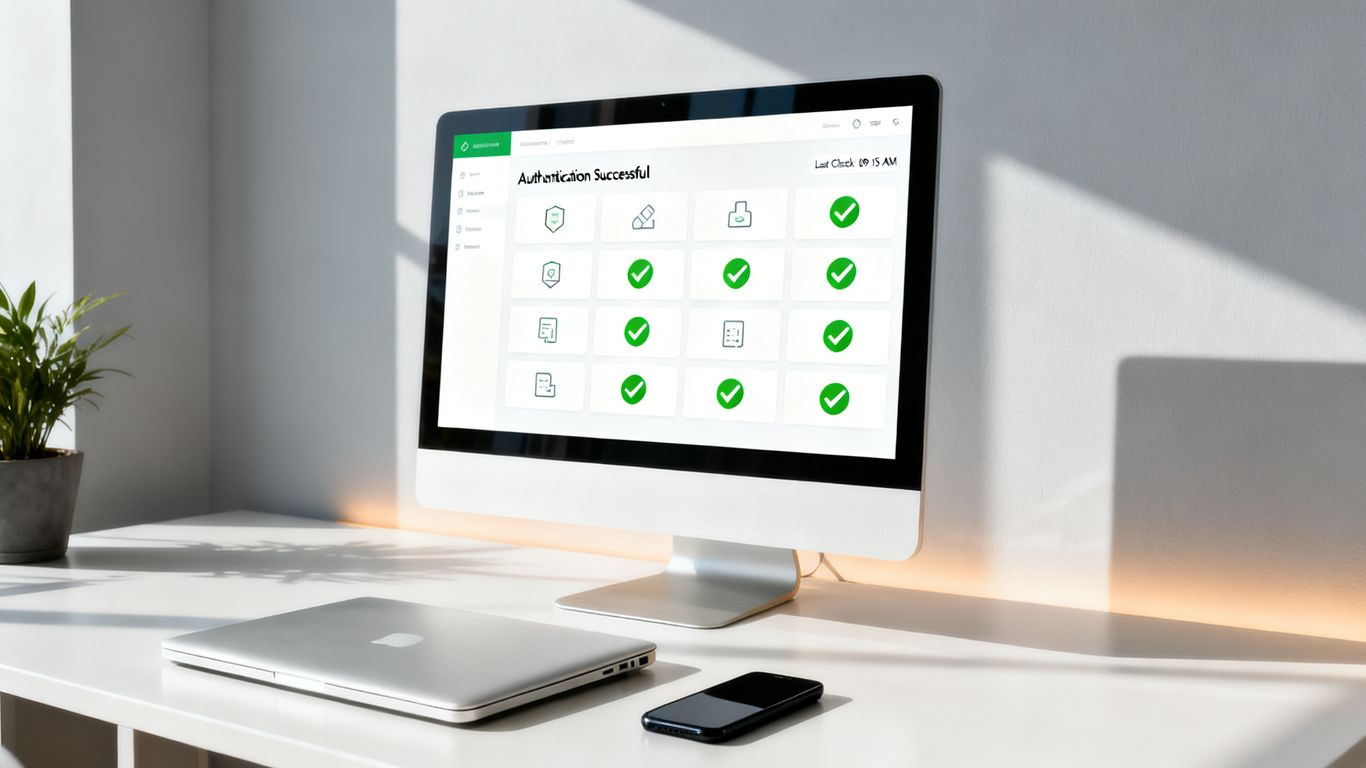
Before you attempt to change your enforcement levels, you must build a comprehensive view of your current traffic. Many companies face issues because they lack visibility into what servers are actually sending on their behalf. Establishing this technical foundation minimizes the risk of accidental blocks when you initiate a DMARC implementation in five essential steps project.
Monitoring SPF and DKIM alignment patterns
Alignment confirms that the domain declared in your email matches the domains used for SPF and DKIM authentication. Tracking these patterns reveals whether your legitimate mail is correctly signed and authenticated from the outset. Ensuring these components are active 48 hours before setting up DMARC is considered standard practice by security professionals.
Identifying legitimate third-party sending sources
Your organization likely uses diverse tools for marketing, automated invoices, and internal systems that all claim to send mail on your domain’s behalf. It is essential to identify every vendor that legitimately sends email for your team before turning on formal enforcement. Failure to account for these services is the most common cause of legitimate email loss during a rollout.
Interpreting RUA and RUF report data effectively
RUA reports provide an aggregate summary of your traffic, while RUF reports offer forensic details for individual non-compliant messages. These XML files, when parsed through the right tool, act as a map for your authentication journey. Keeping a close eye on these data streams allows you to verify that your legitimate senders are aligning with your requirements.
Why you should never start with p=none
Starting with p=none is the industry-standard recommendation for gaining total visibility without enforcement. However, many administrators mistakenly remain at p=none indefinitely, which leaves the domain vulnerable to ongoing spoofing attacks. Your path forward involves these specific administrative activities:
- Gather at least one week of complete reporting data to understand normal traffic volume.
- Audit all third-party services found in the reports to ensure they are actually authorized.
- Verify that your DNS records for SPF look correct and that DKIM selectors are functioning.
- Coordinate with your IT support services provider to review any persistent authentication failures before changing policies.
The strategic approach to a safe DMARC rollout

Moving toward strict enforcement is a marathon, not a sprint. A measured approach allows your organization to adjust configurations based on real-world delivery reports, ensuring that the transition remains invisible to your legitimate contacts. This approach is highly effective for reducing the risk of false positives that could impact your daily business. Following a DMARC policy rollout plan enables you to scale your protection incrementally.
Moving from p=none to p=quarantine
When you finally decide to move to quarantine, you are officially taking action against unauthorized mail. This move tells receiving servers to flag suspicious emails, which is a major signal that your domain is maturing in its security posture. It is a powerful way to start clamping down on potential phishing without breaking your primary business communication channels.
Determining the appropriate percentage for gradual enforcement
The pct (percentage) tag allows you to apply a quarantine policy to only a fraction of your non-compliant traffic. This allows for a controlled experiment, testing the waters before moving to full enforcement. If you see no issues, you can increase the percentage until you reach 100% throughout your environment.
Mitigating the risk of false positives during testing
False positives are messages that fail authentication incorrectly and get caught in the quarantine net. By keeping the percentage low during the early stages, you ensure that even if a valid email is flagged, the overall business impact is minimal. Regularly reviewing your reports is the only way to catch these instances before they become a persistent problem.
Transitioning from partial to full quarantine protection
Once you are comfortable at lower coverage percentages, you can scale to full quarantine coverage. This ensures that every non-compliant email is held back, providing consistent protection across your entire digital footprint. At this point, you should be confident that your legitimate traffic has been identified and properly authenticated, setting the stage for total rejection.
When to advance to p=reject
Advancing to p=reject represents the final commitment to security, ensuring that your brand is entirely protected against impersonation. This is the goal for many organizations, providing a secure sender program that builds trust with clients and partners. Only move to this level when your reports show that your own traffic has been perfectly aligned for several weeks.
Ensuring 100% authentication alignment across all mail streams
Every single source, from your primary business email to automated marketing tools, must reach full alignment. Checking these sources verifies that there are no rogue services left over that could be blocked by a strict reject policy. Taking the time to audit these streams remains the best way to avoid a surprise loss of business email connectivity.
Handling complex mail environments such as forwarded messages
Forwarded emails often break SPF alignment because the original sender’s IP address usually differs from the forwarding server. DKIM is your best friend here, as its signatures persist through most forwarders. Understanding how these complexities affect your mail flow is crucial for maintaining integrity without resorting to overly permissive settings.
Differentiating between temporary and permanent failures
Temporary failures might resolve themselves with better configuration, while permanent failures often indicate an unauthorized attempt to use your domain. Categorizing these failures helps you focus your remediation efforts where they matter most. You can often stop automating workflows for a moment to investigate if these failures are truly legitimate authentication gaps or malicious attempts.
Validating your configuration before hard rejection
Before publishing that final reject record, run your configuration through a final diagnostic check to ensure the policy is valid. Ensure your RUA and RUF report email addresses are still active and receiving valid data. Proper validation acts as a safety valve, confirming that your security infrastructure is ready for full-time duty.
Managing the risks of strict enforcement
Strict enforcement is not a "set and forget" activity; it requires constant attention to your infrastructure. As you adopt new platforms or retire legacy servers, your authentication requirements will change, creating new risks that must be managed. A vigilant approach ensures that your security posture keeps pace with your organizational growth.
Common pitfalls in policy implementation
Many implementation issues arise when businesses change their email service providers without updating their DNS records. Another common trap is failing to coordinate with internal teams who might launch new automated software without notifying the IT department. Clear communication channels are required to avoid these pitfalls during policy escalation.
Troubleshooting unexpected email delivery blocks
If you find that legitimate messages are being blocked, the first step is to check your latest DMARC reports for signs of non-compliance. Investigating the source of the failure helps you spot missing DKIM keys or SPF loopholes instantly. Being able to access and process these logs quickly is a key component of effective problem resolution.
Balancing security posture with business continuity
Security is meant to facilitate business, not hinder it, which is why phasing remains so effective. If you encounter a situation where an important stream is blocked, a temporary return to quarantine can restore operations immediately while the team fixes the underlying authentication configuration. This balance supports ongoing success without sacrificing the protection of your domain.
Revisiting policy settings during infrastructure changes
Any significant change to your IT, such as migration to cloud services or integration of new tools, should trigger a mandatory review of your DMARC record. Treat your security record as a living document that must evolve with your business. Keeping your setup current ensures that your protection remains accurate regardless of how your digital infrastructure changes over time.
Conclusion
Securing your email with DMARC is an ongoing journey that significantly bolsters your defense against phishing and spoofing. By following a steady, phased rollout—from monitoring to quarantine and finally to full rejection—you can effectively protect your brand’s reputation without placing your business operations at risk.
Frequently Asked Questions
What is the purpose of DMARC?
DMARC helps domain owners protect their reputation by ensuring that receiving mail servers only accept email from authorized sources, effectively blocking malicious actors from impersonating your identify.
How long should I stay in monitoring mode?
It is recommended to monitor your reports for at least one full week to ensure you have captured data for any recurring or interval-based email campaigns.
What happens if I move to p=reject too early?
Moving to a reject policy without ensuring that all your legitimate traffic is authenticated will result in significant delivery failures, meaning your business emails will be permanently blocked by recipients.
Does DMARC stop all spam?
DMARC specifically targets identity spoofing and unauthorized domain use, but it is not a standalone spam filter and should be used alongside other security layers.
Can I bypass report monitoring?
Skipping the reporting phase is highly discouraged because you will be flying blind regarding what is being sent in your domain’s name, making it impossible to identify which tools need authentication updates.
Do I need external help to manage DMARC?
While you can manage records manually, using an automated reporting tool helps aggregate data and makes identifying authentication failures much faster and more accurate for small businesses.
Where should I point my RUA report address?
Your RUA address should be an inbox monitored by your IT or security team, such as [email protected], specifically dedicated to gathering and processing these automated DMARC reports.
Secure Your Email Today
If you want to ensure your domain is fully protected and your authentication records are configured perfectly, do not hesitate to reach out to our team. GoodChoice IT offers the expert guidance you need to safeguard your organization’s reputation and maintain a reliable email stream. Get in touch by visiting our support services page today to start your journey.