Do you need help & advice with Microsoft 365?
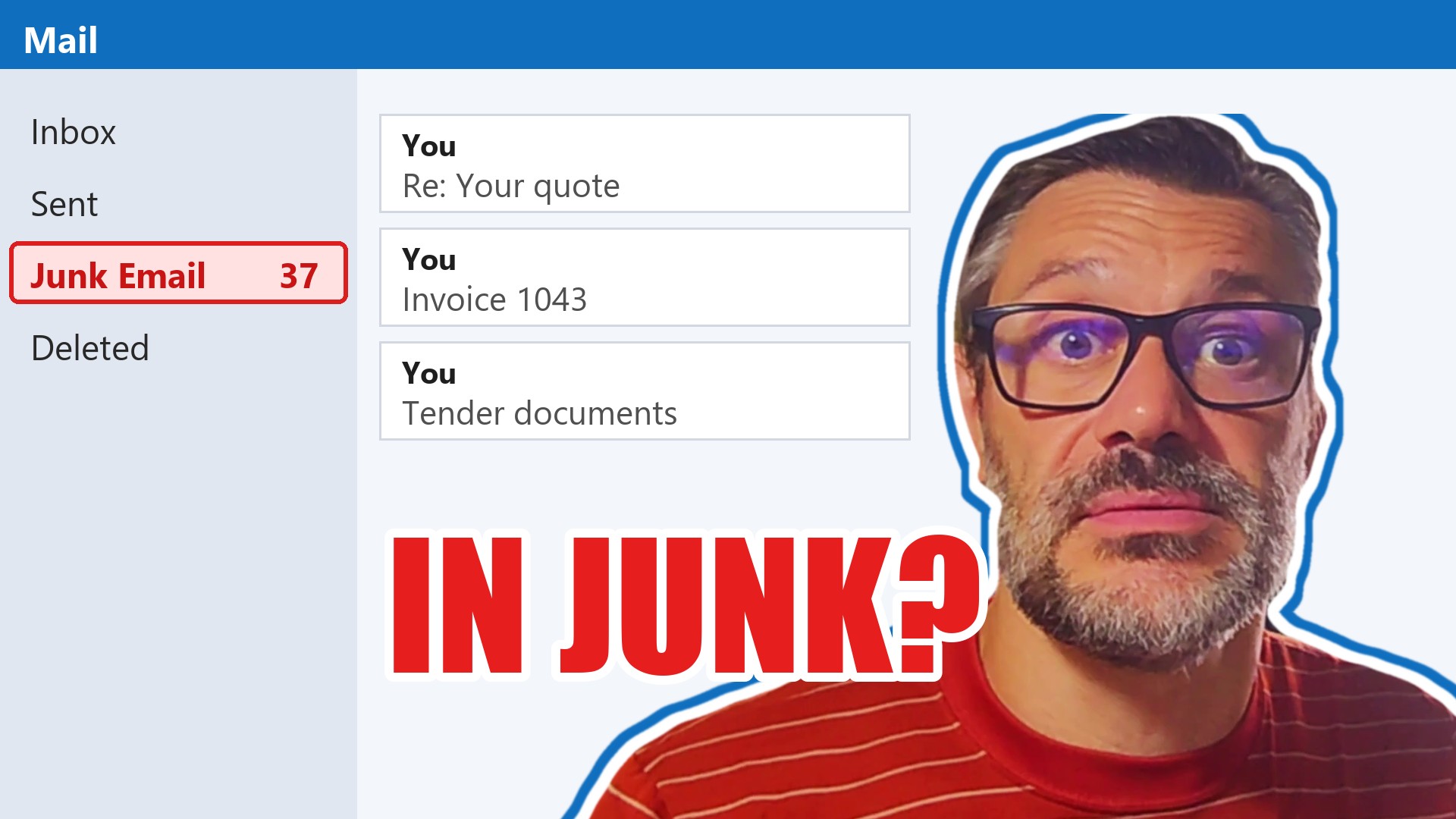
Getting your emails into the inbox is a bit of a puzzle, especially when you’re using Microsoft 365 and sending to folks in the UK. It’s not just about hitting ‘send’; there’s a whole process behind the scenes that determines if your message lands in the inbox or gets lost in the spam folder. This guide is here to help you sort out the technical bits and best practices so your emails actually get seen.
Key Takeaways
- Make sure your SPF, DKIM, and DMARC records are set up correctly to prove your emails are legitimate.
- Build a good sender reputation by warming up your domain and sending consistently.
- Keep your email lists clean and tidy, removing inactive contacts to lower bounce rates.
- Understand and follow UK email laws like PECR and GDPR to avoid penalties.
- Test your emails regularly to see where they land and what might be sending them to spam.
Understanding Email Deliverability for Microsoft 365 UK Users
Right then, let’s get down to brass tacks about getting your Microsoft 365 emails seen by the right people here in the UK. It’s not just about hitting ‘send’; it’s about making sure your message actually lands in the primary inbox, not lost in the digital ether or, worse, the spam folder. Think of it like sending a letter – you want it to arrive at the correct address, not get stuck in the sorting office or delivered to the wrong house.
What is Email Deliverability?
Essentially, email deliverability is all about whether your emails successfully reach your recipient’s inbox. It’s not just about the email being delivered to the mail server, but specifically landing in the inbox itself. A good deliverability rate means your messages are seen, while a poor one means they’re likely ending up in the spam or junk folders, or even being blocked entirely. It’s a measure of how well your emails are received by the mail providers.
Why Email Deliverability Matters for Microsoft 365
If your emails aren’t landing in the inbox, your whole campaign is basically a bust before it even starts. For Microsoft 365 users, this is particularly important because a significant chunk of UK businesses use Outlook and other Microsoft services. If your emails are consistently going to spam for these users, you’re missing out on potential customers, important communications, and generally making your business look a bit unreliable. It directly impacts how many people actually open, read, and respond to your messages. Poor deliverability means fewer people see your emails, more spam complaints, and a damaged sender reputation, which makes future campaigns harder. On the flip side, excellent deliverability means more replies, more deals, and email platforms trusting you more.
Key Signals for Inbox Placement
So, what exactly do email providers like Microsoft look at to decide if your email is a keeper or a spammer? It’s not just one thing, but a mix of signals. Your sender reputation is a big one – this is built over time based on how recipients interact with your emails. Things like whether people open them, click links, or mark them as spam all feed into this. Then there’s the technical side, like having your SPF, DKIM, and DMARC records set up correctly, which basically proves you are who you say you are. The content of your email also plays a part; overly promotional language or certain keywords can trigger spam filters. Even the consistency of your sending patterns matters. If you suddenly send thousands of emails after a long silence, that can look suspicious. It’s a bit like building trust with a new acquaintance; you do it gradually and consistently.
It’s worth remembering that there isn’t a single, simple score that tells you everything about your email deliverability. Instead, it’s a combination of many factors working together, and you need to keep an eye on them all to get the full picture. Checking your email security reports in the Microsoft Defender portal can give you some insights into how your emails are being handled [7906].
Essential Email Authentication for Microsoft 365
Implementing SPF Records Correctly
Setting up SPF (Sender Policy Framework) is like giving your emails an official stamp of approval. It tells receiving servers which mail servers are allowed to send emails on behalf of your domain. If you’re using Microsoft 365, you need to make sure your SPF record correctly lists Microsoft’s sending servers. A common mistake is having an outdated or incomplete SPF record, which can lead to your emails being flagged as suspicious. It’s a good idea to check your DNS settings regularly to confirm it’s up to date. Think of it as a digital passport for your emails; without the right stamps, they might not get through.
The Role of DKIM in Authentication
DKIM (DomainKeys Identified Mail) adds a digital signature to your emails. This signature is like a seal on a letter, proving that the email hasn’t been tampered with since it was sent and that it genuinely came from your domain. For Microsoft 365 users, enabling DKIM within your tenant is straightforward but vital. It works alongside SPF to build a stronger case for your email’s legitimacy. Without DKIM, your emails might be seen as less trustworthy, potentially landing in the spam folder.
Leveraging DMARC for Enhanced Security
DMARC (Domain-based Message Authentication, Reporting, and Conformance) builds on SPF and DKIM. It tells receiving mail servers what to do if an email fails SPF or DKIM checks – whether to reject it, quarantine it, or just let it through. More importantly, DMARC provides reports back to you, showing who is sending emails using your domain. This is incredibly useful for spotting spoofing attempts. For UK businesses using Microsoft 365, implementing a DMARC policy, even a simple ‘none’ policy to start gathering data, is a significant step towards protecting your brand and improving deliverability. You can find resources to help set this up, like those for Microsoft 365 security.
Ensuring Alignment Between Protocols
It’s not enough to just have SPF, DKIM, and DMARC set up; they need to work together harmoniously. This is known as alignment. For example, the domain in your ‘From’ address needs to align with the domain checked by SPF and the domain signed by DKIM. If these don’t match up, even with all the protocols in place, your emails might still face deliverability issues. Getting this alignment right is key to presenting a consistent and trustworthy image to email providers. It’s a bit like making sure all parts of your official documentation match perfectly.
Building a Strong Sender Reputation with Microsoft 365
Building a solid sender reputation is pretty much the bedrock of getting your emails seen by the right people in the UK. Think of it like your email’s credit score; the better it is, the more mailbox providers like Outlook and Gmail trust you. If your reputation is shaky, your emails might end up in the spam folder, or worse, get blocked entirely. It’s not just about sending emails; it’s about sending them in a way that shows you’re a legitimate and considerate sender.
Domain Age and Sending History
New domains don’t have a history, which can make mailbox providers a bit wary. They don’t know if you’re a good sender or not. So, starting small and gradually increasing your sending volume is key. Sending to engaged subscribers first helps build a positive history. Over time, as you consistently send good emails, your domain’s reputation will grow. It’s a marathon, not a sprint, really.
Managing Sending Volume and Consistency
Sending a massive batch of emails one day and then nothing for weeks isn’t ideal. Mailbox providers prefer a steady, predictable sending pattern. If you suddenly send a lot of emails, it can look suspicious, like you might be a spammer. Try to maintain a consistent volume that aligns with your list size and engagement levels. If you’re planning a big campaign, it’s often best to warm up your domain first, which we’ll touch on next.
The Importance of Domain Warming
Domain warming is basically introducing your new domain or IP address to mailbox providers gradually. You start by sending a small number of emails to your most engaged subscribers. Then, over days or weeks, you slowly increase the volume and send to a broader segment of your list. This process helps build a positive sending history and signals to providers that you’re a legitimate sender. It’s like letting a new employee shadow experienced ones before giving them major responsibilities. A good way to start is by ensuring your email authentication is spot on, as Microsoft recommends different filtering levels for protection.
Building a good sender reputation isn’t a one-off task. It requires ongoing attention to how you send, who you send to, and how recipients interact with your emails. Consistency and positive engagement are your best friends here.
Here’s a quick look at what impacts your reputation:
- Engagement Rates: How often people open, click, or reply to your emails.
- Bounce Rates: The percentage of emails that couldn’t be delivered.
- Spam Complaints: When recipients mark your emails as spam.
- Authentication: Correctly set up SPF, DKIM, and DMARC records.
- List Quality: Sending to active, opted-in subscribers.
Keeping these factors in check will significantly improve your chances of landing in the inbox, rather than the spam folder. It’s all about building trust with the email providers and, more importantly, with your audience.
Optimising Email Content for UK Inboxes
Avoiding Spam Triggers in Your Content
It’s easy to accidentally send an email that ends up in the spam folder, even with Microsoft 365. Think about those emails you get that are just shouting at you with ALL CAPS and loads of exclamation marks!!! Often, they’re full of words like ‘FREE’, ‘guaranteed’, or ‘act now’. While you might not be that obvious, even subtle things can trip up the filters. Sending emails that are mostly images, or have links that look a bit dodgy, can also be a red flag. It’s worth checking your emails with a spam checker tool before you hit send; it’s like a pre-flight check for your message.
Crafting Engaging Subject Lines and Personalisation
Let’s be honest, a generic subject line is just going to get ignored. If you want your emails to be opened, you need to make them personal. Using the recipient’s name, or mentioning their company, can make a big difference. Think about what’s happening with them or what they’ve shown interest in. Matching the subject line to something they actually care about is key. This personal touch should carry through to the main body of the email too. Making your emails feel like they’re written just for the recipient is a good way to get them to engage.
Personalisation and Content Relevance
Ultimately, the best way to get people to open your emails is to send them content that’s actually relevant to them. It’s not really about the fancy code or the template you use; it’s about whether the message hits the mark for your audience. If you send stuff that doesn’t interest them, they’ll stop opening emails, they might unsubscribe, or worse, they might mark you as spam. So, breaking your audience down into smaller groups based on their interests or what they’ve done before is really important. This helps you send more targeted messages that people are more likely to read and act on. You can even use features like Gmail annotations to add interactive elements, making your emails stand out in the inbox. It’s all about making the content work harder for you and your recipients. For more on making your emails stand out, check out email deliverability best practices.
The real trick is to make sure your content is something your audience actually wants to read. If it’s relevant, they’ll engage, and that engagement tells email providers your emails are good news.
Navigating UK Email Regulations and Policies
When sending emails to people in the UK, you’ve got to be aware of the rules. It’s not just about getting your message into their inbox; it’s about doing it legally and respectfully. Messing this up can really hurt your sender reputation and, frankly, land you in hot water.
Understanding PECR for Email Marketing
PECR, or the Privacy and Electronic Communications Regulations, is the big one for email marketing in the UK. It works alongside GDPR but has its own specific bits about electronic communications. Basically, you need clear consent before you email someone for marketing purposes. This isn’t just a vague ‘yes’; it needs to be a positive opt-in. Think about how you collect email addresses – was it obvious what they were signing up for? Did they actively tick a box? You can’t assume consent.
GDPR Compliance for Microsoft 365 Senders
While PECR covers the ‘electronic communications’ side, GDPR (General Data Protection Regulation) is all about data privacy. If you’re using Microsoft 365, you’re handling personal data. This means you need to be transparent about what data you collect, why you collect it, and how you store it. People have rights, like the right to access their data or have it deleted. Making sure your email list management and consent processes align with GDPR is really important. It’s about building trust, not just ticking boxes. You can find more details on Google Email Sender Guidelines.
Platform-Specific Sending Guidelines
Beyond the UK laws, major email providers like Microsoft Outlook (which powers Microsoft 365) have their own rules. They want to keep their users happy, so they have guidelines on things like:
- Authentication: Making sure your SPF, DKIM, and DMARC records are set up correctly is non-negotiable.
- Engagement: Sending emails to people who actually open and click them. Sending to unengaged lists is a red flag.
- List Quality: Avoiding purchased or scraped lists. They want to see you’re building your lists properly.
Ignoring these platform rules can lead to your emails being filtered into the spam folder, even if you’re technically compliant with UK law. It’s a good idea to check the specific sender guidelines for the major providers you’re sending to.
Maintaining Email List Health for Deliverability
Keeping your email list in good shape is really important if you want your messages to actually land in people’s inboxes, especially when you’re using Microsoft 365. Think of it like tending a garden; if you don’t look after it, things can get a bit wild and unmanageable. A messy list can really mess with your sender reputation, which is what email providers like Gmail and Outlook use to decide if your emails are wanted or just junk.
Regularly Cleaning Your Email List
This is probably the most straightforward, yet often overlooked, part of list management. Over time, email addresses can become invalid for all sorts of reasons – people change jobs, close accounts, or simply stop using an address. Sending to these dead addresses is a big no-no. It leads to hard bounces, which are a clear signal to mailbox providers that you’re not being careful with your list. You should aim to remove any hard bounces immediately. Soft bounces, like an inbox being temporarily full, are a bit different, but if you see the same address soft bouncing repeatedly, it’s probably best to remove it too.
Segmenting Your Audience Effectively
Sending the same message to everyone on your list isn’t usually the best approach. People sign up for your emails for different reasons, and their interests can change. By splitting your list into smaller groups based on things like past behaviour, interests, or demographics, you can send more targeted and relevant messages. This usually means people are more likely to open, click, and engage with your emails, which is exactly what mailbox providers like to see. It shows your emails are wanted and useful.
Managing Bounce Rates and Unsubscribes
Bounce rates are a key indicator of list health. A high bounce rate, particularly hard bounces, can seriously damage your sender reputation. You need to keep an eye on this and take action to reduce it. Similarly, while you don’t want too many unsubscribes, a steady rate is normal and actually a good thing. It means people who aren’t interested are leaving your list cleanly, rather than marking your emails as spam. Make sure your unsubscribe process is easy and obvious – hiding it is a sure way to encourage spam complaints.
It’s better to have a smaller list of engaged recipients than a massive list full of people who never open your emails. Quality really does trump quantity when it comes to email lists.
Advanced Strategies for Microsoft 365 Email Deliverability
![]()
Utilising Secondary Domains for Outreach
Sending a high volume of emails, especially for cold outreach, can put a strain on your primary domain’s reputation. If your main domain is associated with your company’s core operations or customer service, you don’t want a misstep in a marketing campaign to affect that. A smart move is to use secondary domains specifically for outreach activities. This way, you can build a separate sending reputation for these campaigns without risking your primary domain’s standing. Think of it like having a separate business card for networking events versus your main company one. It keeps things clean and compartmentalised. You’ll need to set up SPF, DKIM, and DMARC for these secondary domains too, just like your main one, to show they’re legitimate. This is a key part of setting up your email authentication protocols correctly Implementing SPF Records Correctly.
Monitoring Sender Reputation and IP Health
Your sender reputation is essentially what email providers (like Gmail, Outlook, etc.) think of you as a sender. It’s built over time based on how recipients interact with your emails. Are they opening them? Are they marking them as spam? Are they unsubscribing? All these actions feed into your reputation score. Similarly, the IP address your emails are sent from also has a reputation. If an IP address has a history of sending spam, new emails from that IP might be scrutinised more heavily. Regularly checking these reputations is vital. Tools exist that can monitor your domain and IP health, flagging any potential issues before they significantly impact your inbox placement. Keeping an eye on metrics like bounce rates, spam complaint rates, and inbox placement rates is a good start.
Leveraging Deliverability Testing Tools
To really get a handle on where your emails are landing, you can’t just guess. There are specialised tools designed to test your email deliverability. These tools often work by sending your test emails to a network of ‘seed’ email addresses across various email providers. They then report back on whether your email landed in the inbox, the spam folder, or was blocked entirely. Some tools also analyse your email content for spam triggers and check your authentication records. Using these services gives you concrete data to work with, allowing you to identify and fix problems before they affect your actual campaigns. It’s like having a pre-flight check for your emails.
Want to make sure your emails actually reach people’s inboxes? Our section on ‘Advanced Strategies for Microsoft 365 Email Deliverability‘ explains how to avoid the spam folder. Learn the tricks to get your messages seen. Visit our website today to discover more!
Wrapping Up Your Microsoft 365 Email Deliverability
So, there you have it. Getting your emails from Microsoft 365 to land in the inbox, rather than the dreaded spam folder, is a bit of a process. It’s not just about hitting send; it’s about building trust with email providers. Making sure your SPF records are spot on is a big part of that, but don’t forget about DKIM and DMARC either. Keep your lists clean, send content people actually want to read, and always make it easy for them to opt out. Following these steps, especially the UK’s own rules like PECR, will make a real difference. It might seem like a lot at first, but getting this right means your messages actually reach your audience, which is what it’s all about, isn’t it?
Frequently Asked Questions
What exactly is email deliverability?
Think of email deliverability as your email’s ability to reach the intended inbox, like a letter arriving at the right house. It’s not just about sending an email; it’s about making sure it gets seen by the person you’re sending it to, rather than ending up in the junk folder or being blocked entirely. Good deliverability means your emails are landing where they should.
Why is email deliverability so important for Microsoft 365 users?
Making sure your emails land in the inbox is super important for Microsoft 365 users in the UK. It helps your messages get seen by customers and colleagues, which means better communication and business. If your emails go to spam, people won’t read them, and your efforts will be wasted. It’s all about getting your message heard!
Do I really need to set up SPF, DKIM, and DMARC for my emails?
Yes, setting up things like SPF, DKIM, and DMARC is crucial. These are like digital security checks for your emails. They prove that the emails sent from your domain are really from you and haven’t been faked. Without them, email providers might think your messages are suspicious and send them straight to spam.
How can I build a strong reputation as an email sender?
Building a good sender reputation is like building trust with email providers. It means showing them you’re a reliable sender. You do this by sending emails consistently, keeping your contact lists clean by removing people who don’t want emails anymore, and making sure your emails are relevant and not spammy. Over time, this builds confidence.
What UK laws do I need to follow for sending emails?
You must follow UK rules like the Privacy and Electronic Communications Regulations (PECR) and the General Data Protection Regulation (GDPR). These laws say you need permission to email people, must provide clear ways to unsubscribe, and protect people’s data. Ignoring these can lead to fines and damage your sender reputation.
What’s considered a good email deliverability rate?
A good deliverability rate is generally considered to be above 95%. This means that out of every 100 emails you send, at least 95 are successfully reaching the recipient’s inbox. Anything lower might mean your emails are ending up in spam or are being blocked.