Do you need help & advice with Microsoft 365?
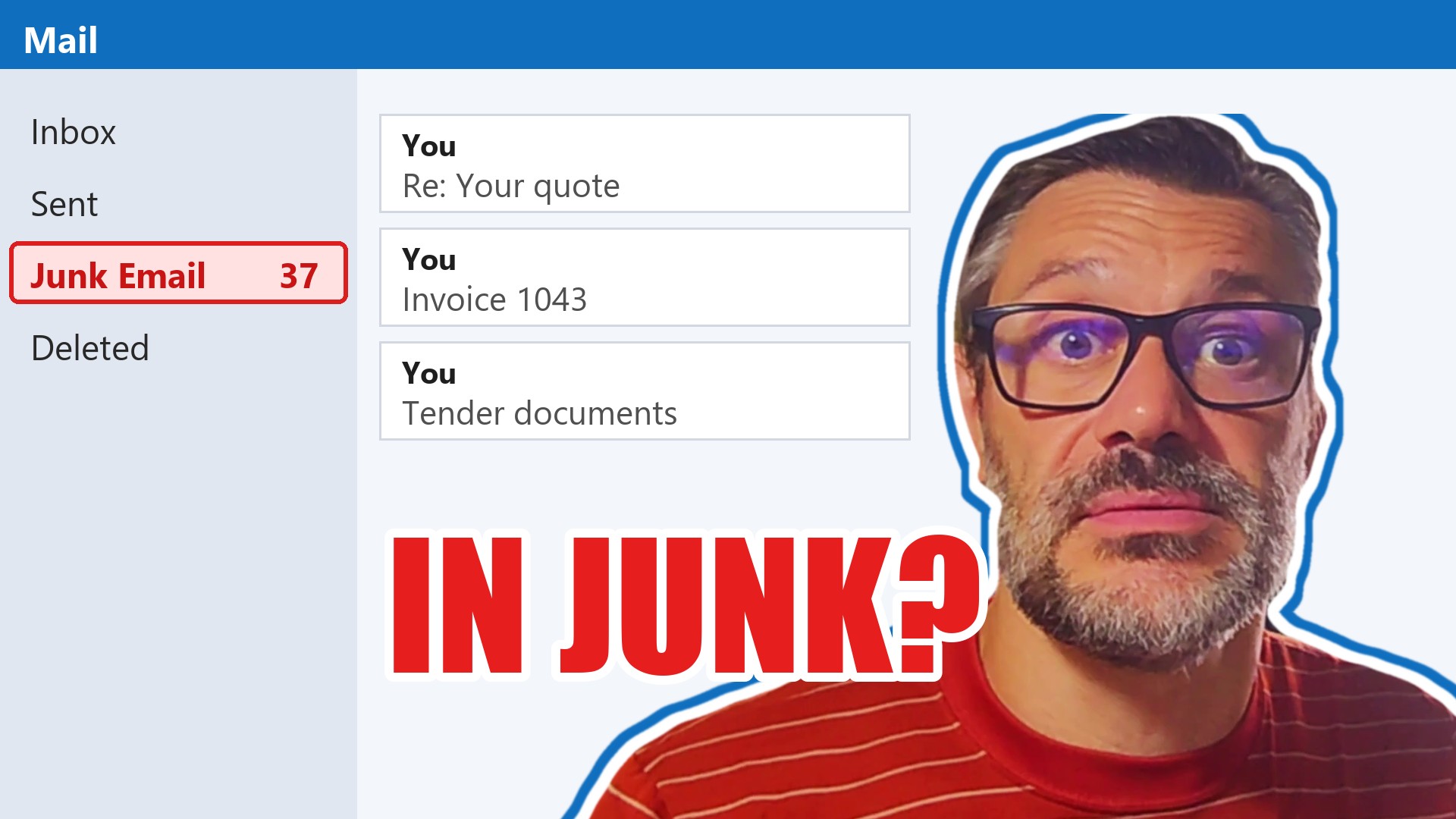
If you run a business and customers keep telling you your quote or invoice went in their junk, the cause is usually a few settings behind your email address that were never set up properly, or were broken when your website or email provider changed. You can find out in about a minute, for free, at securemyemails.com.
Every quote that sits in a junk folder is work you might not win, and every invoice that lands there is money that arrives late. Most owners only find out when a customer happens to mention it. If the check shows problems, we can fix them for you.
Emails go to junk when the settings that prove they really come from your business are missing or wrong. Type your web address into securemyemails.com: a score of 60 to 70 or more is what you want, and anything in red needs fixing.
Check your email now
Check my email at securemyemails.com
Free, about a minute, and it only looks at settings your business has already published for anyone to see. No login, no access to your mailbox.
Why do my emails go to junk when they seem to work?
Because an email can arrive and still look suspicious. When the settings behind your address are only half done, your customer’s email system can’t be sure the message really came from you, so it plays safe and puts it in junk. Nobody gets an error message, so nobody knows.
If your email’s sort of configured, the emails might work, but they’re more likely to go to junk. So what you’re doing is you’re throwing away the opportunity to email people.
Dave Lane, GoodChoice IT
It hits marketing hardest. A newsletter to a few hundred customers can land in junk for most of them while the report still looks healthy. Dave’s warning: a high open rate can simply be spam filters opening the email to check it, so the number of people who click a link is a far better guide.
It wears your team down too:
It must be so frustrating for your team if every time they send an email, they say, “Oh, can you just see this in your junk mail?”
Dave Lane, GoodChoice IT
What does the checker look at?
Your web address has a kind of public phone book behind it, which tells the rest of the internet where your website is and where your email should go. That’s where the checker looks. It reads only what your business has already published to the world, the same information every email system reads when you send a message.
In that phone book sit three settings that prove your email is really from you (your IT people will know them as SPF, DKIM and DMARC). The first lists the services allowed to send email for your business. Dave sums it up like this:
If the emails didn’t come from my servers, it’s probably not for me.
Dave Lane, GoodChoice IT
The second adds a hidden signature to every email you send, so a message without it probably wasn’t from you. The third tells the other side what to do with an email that fails those checks: let it through, put it in junk, or throw it away. Set up properly, it also sends reports back, so you can see where your email is going and spot a problem before your customers do.
Getting them right matters for a second reason. The same settings stop criminals sending emails that look as if they came from you, such as a fake invoice with their bank details on it, sent to your own customers.
It makes it very easy for people to impersonate you because there’s no real security in email. It’s all been added on afterwards.
Dave Lane, GoodChoice IT
Why did it start after we changed our website or email?
Because a change is when these settings get lost. Your web address can be registered with one company, its phone book kept by another, your website hosted by a third and your email run by Microsoft or Google. When someone new arrives, a web designer or a new email provider, they can point the phone book somewhere else and leave the email settings behind. Or they change a setting in the wrong place, nothing happens, and nobody can work out why.
Dave has seen web designers take control of a client’s web address, move it, and lose every email setting he’d put in place. The emails start going astray, and the business wants to know why its IT company let it happen.
And then guess who gets blamed? It’s very annoying.
Dave Lane, GoodChoice IT
The cure is to keep your web address and its phone book with one provider, know who has the login, and keep a note of every change. We keep our clients’ web addresses with Cloudflare, a large provider where changes take effect almost straight away, and we keep a record of what’s been changed and by whom.
Before anyone touches your website or email, ask them to check your email settings afterwards. Then run the free check yourself.
How do I check my business email?
Dave built SecureMyEmails for business owners rather than IT people, so you can see for yourself whether your email is set up properly.
This is for non-technical people so they can check if their IT team are on top of configurations for their emails.
Dave Lane, GoodChoice IT
- Go to securemyemails.com. It’s free and works on a phone or a computer: open the checker.
- Type in your web address. That’s the part after the @ in your email address, such as yourcompany.co.uk.
- Read your score. You want 60 or 70 and upwards. Anything in red is a setting that’s missing or wrong, and the result explains each one with what to do next.
- If there’s red, talk to us. Send us a message with your result and we’ll tell you what needs doing.
Dave runs the checker on a real business in the video above. For a second opinion, the National Cyber Security Centre, the part of government that helps UK organisations stay safe online, has its own free email security check.
What if the check shows problems?
Then it’s worth fixing, and for us it’s everyday work: Dave has been setting these up for clients for over 20 years. Even big companies get it wrong: he built the checker because he kept finding set-ups that look as if they work and don’t.
When we sort out a client’s email, we:
- put the three settings in properly, listing only the services that really send email for you, such as Microsoft 365, your website and your newsletter tool
- switch on the blocking of fake emails a step at a time, watching the reports at each step, so none of your own email gets caught
- move your web address to one place, with a record of every change
- keep watch afterwards, so a new website or a new system doesn’t quietly break it again
Check first, then talk to us
Run the free check at securemyemails.com. If it shows problems, get in touch and we’ll go through the result with you and fix it.
Is it safe to put our web address into SecureMyEmails?
Yes. It only reads settings your business has already published for anyone on the internet to see, the same information every email system checks when you send a message. It doesn’t ask for a password and has no access to your mailbox or your emails.
Customers say our emails went to junk. What can they do in the meantime?
Ask them to mark your email as “Not junk” and add your address to their safe senders list. That only fixes it for that one person. Everyone else’s email system keeps treating your messages with suspicion until the settings behind your email are put right.
Are Google and Microsoft getting stricter about this?
Google is. Since February 2024, Google has required anyone sending to Gmail addresses to have at least one of the settings that prove email is really from them, with more rules for businesses sending over 5,000 emails a day to Gmail. Email that doesn’t meet them can be slowed down, blocked or marked as spam. Dave’s view is that Microsoft and the other big providers are going the same way, so a set-up that scrapes by today may not next year.
Can criminals send emails pretending to be my business?
If the settings are missing, yes, and it’s easy. They can send your customers a message that appears to come from your address, often a fake invoice or a note saying your bank details have changed. The third setting lets you tell other email systems to block anything that fails the checks, which is the strongest protection against it. If your IT team want the detail of switching that on safely, send them our guide to DMARC quarantine and reject (DMARC is the name of that third setting).
Our emails have stopped arriving altogether since a change. Is that the same problem?
Related, and more urgent. Usually the setting that tells the internet where to deliver your incoming email has been lost or pointed somewhere else, often when a website or web address moves. Nothing reaches you until it’s put back, so ask whoever looks after your IT to check it today, or talk to us.