

Do you need help & advice with Tech Tips / How-To or Cybersecurity?
Key Takeaways
Device encryption is an essential security layer for any modern computer, acting as a lock on your digital files. Understanding its function and proper maintenance is key to keeping your business data safe.
- Encryption renders your sensitive data indecipherable to anyone without the correct key.
- Physical theft is a major risk, but encryption ensures the hardware remains useless to unauthorized parties.
- Performance impacts are negligible on modern hardware due to hardware-assisted processing.
- Regular checks of your drive status prevent accidental exposure of corporate information.
- Proper management of recovery keys is critical to avoiding permanent lockouts from your own device.
Understanding the fundamentals of device encryption
How encryption transforms data into unreadable text
At its core, encryption serves as a sophisticated mathematical lock that converts readable information into a series of scrambled characters. Without the specific cryptographic key, this data becomes impossible to decipher or manipulate. Device Encryption in Windows uses this process to protect your entire operating system, ensuring that your background activities and saved files remain shielded from prying eyes.
Difference between software-based and hardware-level encryption
Software-based encryption relies on the computer’s CPU to manage the encoding and decoding of your data streams. In contrast, hardware-level encryption utilizes a dedicated chip, often a Trusted Platform Module (TPM), to handle the security operations independently. This approach minimizes the drain on system resources while ensuring the encryption process is physically isolated from the main operating system.
Key roles of encryption keys and recovery passwords
Every encrypted drive is protected by a secret key that allows access to your documents and software. When you enable security features, the system creates a recovery password or key to act as a fail-safe. If you forget your primary credentials or face a hardware fault, these recovery codes are the only way to regain entry to your encrypted device.
The primary security benefits for laptop users

Protection against physical device theft
Mobile devices are frequently misplaced or stolen, particularly in crowded urban areas like London or Surrey. If your laptop is encrypted, a thief cannot gain access to your files by simply bypassing your login screen because the underlying drive remains scrambled and secure. This physical defense is often the last line of protection for your confidential company records.
Preventing unauthorised data access during repairs
Sending a device in for hardware maintenance might seem routine, but it creates a vulnerability window. When you choose to contact GoodChoice IT for professional hardware diagnostics, knowing that your drives are encrypted provides significant peace of mind. Your personal and corporate data remains inaccessible to third-party technicians even if they attempt to mount the disk externally.
Meeting regulatory and compliance requirements
Many industries, such as accounting or legal firms, handle sensitive data that falls under strict government regulation. Implementing standardized encryption is a fundamental step toward achieving Cyber Essentials certification. This compliance standard forces businesses to scrutinize their own security configurations, effectively lowering their risk profile against common digital intruders.
Assessing the risks of keeping a device unencrypted
Exposure of sensitive personal and business information
When a hard drive sits without encryption, every image, email, and spreadsheet file is stored in a way that is easily readable by anyone who gets their hands on the machine. Unprotected devices provide a wide-open gateway for identity theft, which can be catastrophic for small business owners. Taking proactive steps to secure your tech prevents these preventable catastrophes from manifesting.
Legal implications of data breaches
Data losses are not merely technical headaches; they often lead to severe financial penalties and mandatory reporting requirements for businesses. If your organization handles customer information, an unencrypted device breach can lead to investigations or fines related to GDPR. Proactive security prevents these difficult conversations, allowing your team to focus on growth rather than remediation.
Potential consequences for reputation and identity theft
Trust is hard to earn and incredibly easy to lose in a professional environment. A single instance of a lost laptop resulting in leaked client sensitive information can permanently damage your brand’s presence in your sector.
Protecting individual workstations is a vital component of any risk management strategy for modern businesses.
By ensuring every device under your care is encrypted, you prevent the secondary fallout that accompanies the initial loss of hardware.
Evaluating the potential impact on laptop performance
Understanding CPU overhead during encryption processes
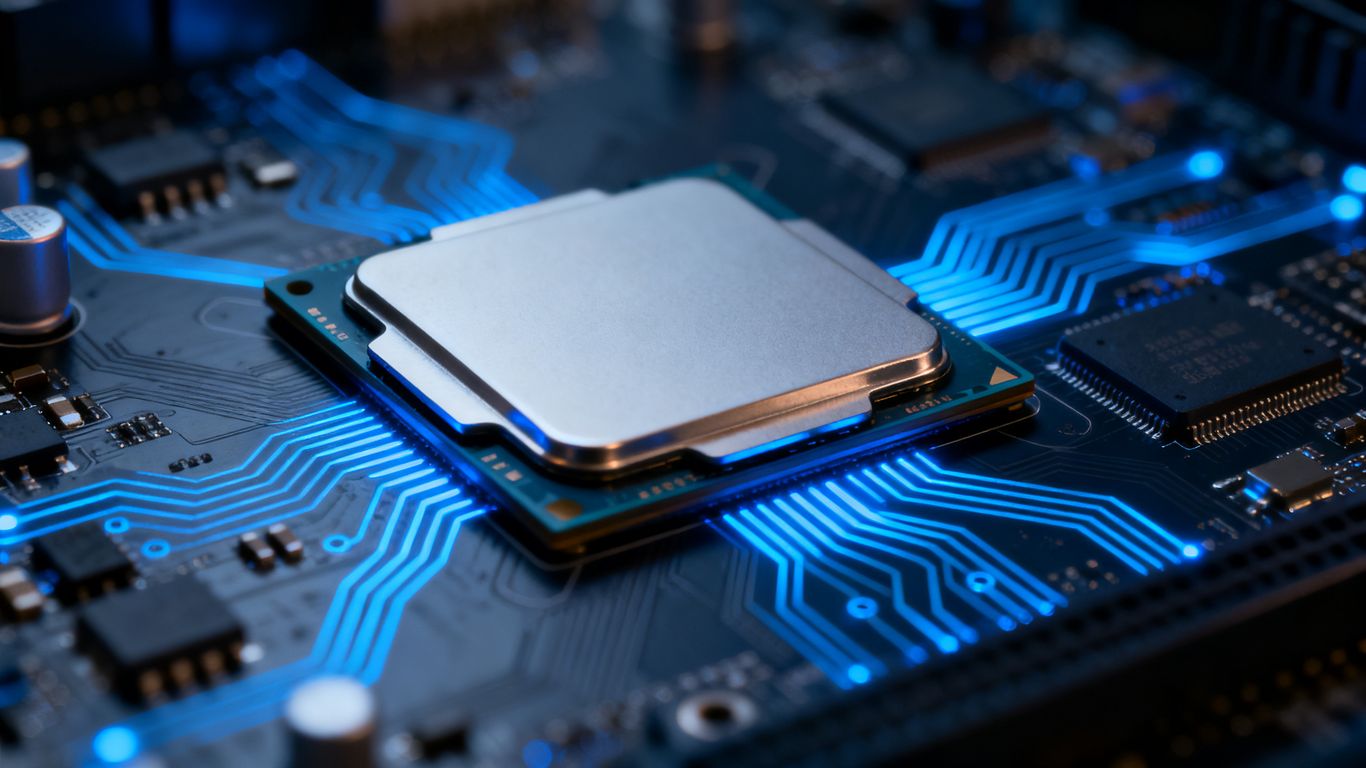
Many users worry that turning on security features will slow down their day-to-day work tasks. Modern processors are built with built-in features that handle encryption tasks efficiently, meaning the CPU overhead is barely noticeable. For most standard office tasks, you will find no difference in responsiveness.
Real-world speed differences on modern hardware
On modern devices, encryption speed is rarely a concern due to advanced integration with system hardware. To understand how your specific machine stacks up, it is helpful to look at the expected performance impact across common workflows.
| Workflow Type | Performance Impact | User Experience |
|---|---|---|
| Basic Word Processing | Negligible | Very Fast |
| Large Data Transfers | Minimal | Stable |
| System Updates/Patching | Slight Increase | Efficient |
These results confirm that maintaining security does not come at the cost of your team’s daily productivity.
Impact on battery life and energy efficiency
Constant background processing can theoretically draw extra power, but modern power management has offset these demands significantly. Once encryption is initiated, the system operates in a steady state that allows your battery to perform within normal manufacturer specs. Ensuring your machine is kept in top, efficient condition depends less on encryption and more on overall system health and hardware quality.
How to check and enable encryption on your operating system
Checking BitLocker status on Windows devices
Verify if your disk check if your laptop is encrypted by entering your system settings or using the command line tool. For Windows Pro users, BitLocker is the standard, while Windows Home users might utilize device encryption if their hardware supports it. Once confirmed, you can easily turn on the protection layer to guard your files.
Using FileVault for macOS systems
Apple devices include a robust security framework called FileVault, which you can activate via your System Settings. Once enabled, this ensures that the startup disk remains completely scrambled until you enter your account credentials. It is a seamless process for macOS users that provides immediate coverage for local and stored information.
Steps for setting up encryption on Linux distributions
Linux systems often offer the option to encrypt your home partition or the entire disk during the installation process. Advanced users can configure dm-crypt or LUKS to achieve highly specialized security setups, depending on the requirements of their specific Linux distribution. While the process may require a steeper learning curve, it remains the gold standard for full disk security in the open-source community.
Managing encryption recovery keys securely
Your recovery key is the ultimate failsafe should your system become inaccessible. Storing this key in a digital vault or as a physical hard copy ensures you maintain control over your hardware. Avoid saving these files in plaintext on the very drive they are meant to protect, as this voids their purpose in the event of an emergency.
Scenarios where you might reconsider full disk encryption
Considerations for legacy hardware limitations
Older machines that lack modern processors may struggle to keep up with active encryption burdens. If your business relies on legacy hardware that dates back several years, you may notice a significant decrease in system performance that hinders your intelligent IT support needs. In such rare cases, it is often better to upgrade the hardware than to leave the data exposed.
Specific use cases for non-sensitive data environments
Encryption is not always necessary for lab machines or isolated test environments where no business data exists. If a unit is dedicated entirely to non-sensitive media or public-facing information, you might choose to exclude it from your core encryption strategy. However, these specific exceptions must be clearly documented to prevent accidental storage of sensitive files on the same hardware.
Weighing the trade-offs of performance versus security
Always balance the necessity of speed with the level of security required for your specific workflow. While security is critical, if it is implemented on hardware that cannot handle the load, you are essentially introducing new operational inefficiencies. For most SME environments, the best path is to prioritize current, compliant hardware using MDM to enforce encryption company-wide.
Conclusion
Encryption stands as one of the most effective ways to secure your data and protect your business against the realities of hardware loss. By following standard procedures to enable and manage these features, you minimize your risk of data breaches and ensure compliance with modern standards.
Frequently Asked Questions
Does device encryption make my computer slower?
Modern hardware is designed to handle encryption in the background, making any performance slowdowns almost imperceptible for daily business tasks.
What happens if I lose my recovery key?
If you lose your recovery key and the primary password, the data stored on the drive becomes permanently irretrievable; this is why keeping a secure backup of the key is essential.
Is encryption only for large corporations?
Encryption is highly relevant for small and medium-sized businesses, as their data is equally attractive to hackers and subject to the same legal standards for data protection.
Can I use a public computer if my files are encrypted?
Encryption protects the data stored on your device, so it does not apply to public machines; you should never input sensitive data into a machine that you do not trust.
Are there different strengths of encryption?
Yes, standard operating system tools typically use robust, industry-accepted algorithms that are strong enough to protect typical business data from unauthorized access.
Does encryption protect against all types of malware?
Encryption protects your static data from being read if a drive is stolen, but it does not prevent malware from operating while you are actively logged in to the machine.
How often should I update my encryption keys?
Encryption keys typically remain valid for the lifespan of the OS installation, though you should always rotate your access credentials if you suspect they have been compromised.

