Do you need help & advice with Tech Tips / How-To or Cybersecurity?
Key Takeaways
Transitioning to modern security standards is essential for protecting your business against evolving digital threats. Here are the core concepts you need to understand to upgrade your authentication infrastructure.
- Traditional MFA methods like SMS codes are increasingly easy for attackers to intercept and exploit.
- Phishing-resistant MFA relies on cryptographic proof rather than shared secrets to secure user identities.
- Hardware security keys and platform authenticators provide the strongest defense against adversary-in-the-middle attacks.
- Implementing these standards requires planning for both hardware procurement and user adoption strategies.
- Regular auditing and conditional access policies keep your security posture aligned with the current threat landscape.
Understanding the basics of phishing-resistant MFA
Modern cyber threats have forced IT teams to rethink how they verify user identity. Instead of relying on vulnerable codes that can be stolen, we now prioritize methods that verify the identity of the device and the legitimacy of the connection itself.
How legacy MFA methods fail against sophisticated attacks
Traditional approaches to secondary authentication often rely on shared secrets sent via insecure channels. Attackers have become adept at using social engineering to convince users to provide these codes or by employing automated scripts to intercept messages, rendering common password protection ineffective.
The cryptographic foundation of phishing-resistant authentication
True security is built on public key cryptography, which uses mathematically paired keys to verify a request. This method ensures that the authentication server does not need to store sensitive secrets that could be leaked or compromised by a database breach.
Defining FIDO2 and WebAuthn standards
FIDO2 and WebAuthn provide a globally recognized framework that allows browsers and hardware to communicate securely. By leveraging phishing-resistant MFA, organisations can move toward a passwordless experience that stops attackers from using stolen credentials at the door.
Why traditional MFA methods are no longer enough
When we look at the frequency of credential-based breaches, it is clear that older authentication patterns are not holding up to modern scrutiny. Our team at Good Choice IT often sees businesses struggling because they are still relying on tools that were designed for a different era of web browsing.

The reality of adversary-in-the-middle (AiTM) attacks
Adversary-in-the-middle attacks represent some of the most dangerous threats in the current landscape. Attackers position themselves between the user and the legitimate service, capturing authenticators as they are sent, essentially mirroring the entire login flow.
Risks associated with SMS, push notifications, and TOTP
These methods are fundamentally flawed because they are not cryptographically bound to the environment where the user is logging in. Even advanced systems like Microsoft’s Secure Future Initiative suggest moving beyond these legacy factors as rapidly as possible.
Comparing knowledge-based and possession-based factors
We categorize authentication into three types: something you know, something you possess, and something you are. Possession-based factors, like physical security keys, are significantly more resilient to remote exploitation than the knowledge-based factors that defined the last decade.
| Authentication Method | Security Level | Resistance to Phishing |
|---|---|---|
| SMS/Email OTP | Low | None |
| Push Notifications | Moderate | Low |
| FIDO2 Security Keys | Highest | Complete |
By comparing these methods properly, businesses can make informed decisions about their security prioritization guide, ensuring they allocate resources to the most effective protections.
Key components of a phishing-resistant ecosystem
Building a secure environment requires moving away from fragile, human-dependent authentication steps. A solid infrastructure is built on hardware that validates domain authenticity before completing a request.
Hardware security keys and device-bound authenticators
Physical security keys represent the gold standard of modern authentication by requiring physical interaction for every log-in event. These devices are immune to remote cloning and require an attacker to actually possess the hardware to gain access.
Platform authenticators like Windows Hello and Touch ID
Modern operating systems now include built-in capabilities that act as authenticators. These tools securely bind a user’s biometric data to the local device, removing the need for external tokens for many daily tasks.
The role of public key infrastructure in authentication
PKI allows for the verification of users and devices without requiring the transmission of passwords or tokens. It creates a robust foundation that Good Choice IT often recommends for organisations aiming to reduce their internal attack surface.
Implementing phishing-resistant MFA in your organisation
Deploying new authentication protocols is rarely a single-click event. Success depends on understanding your specific workforce requirements and choosing the tools that provide the best balance of security and usability for your employees.
Assessing hardware requirements for your employee base
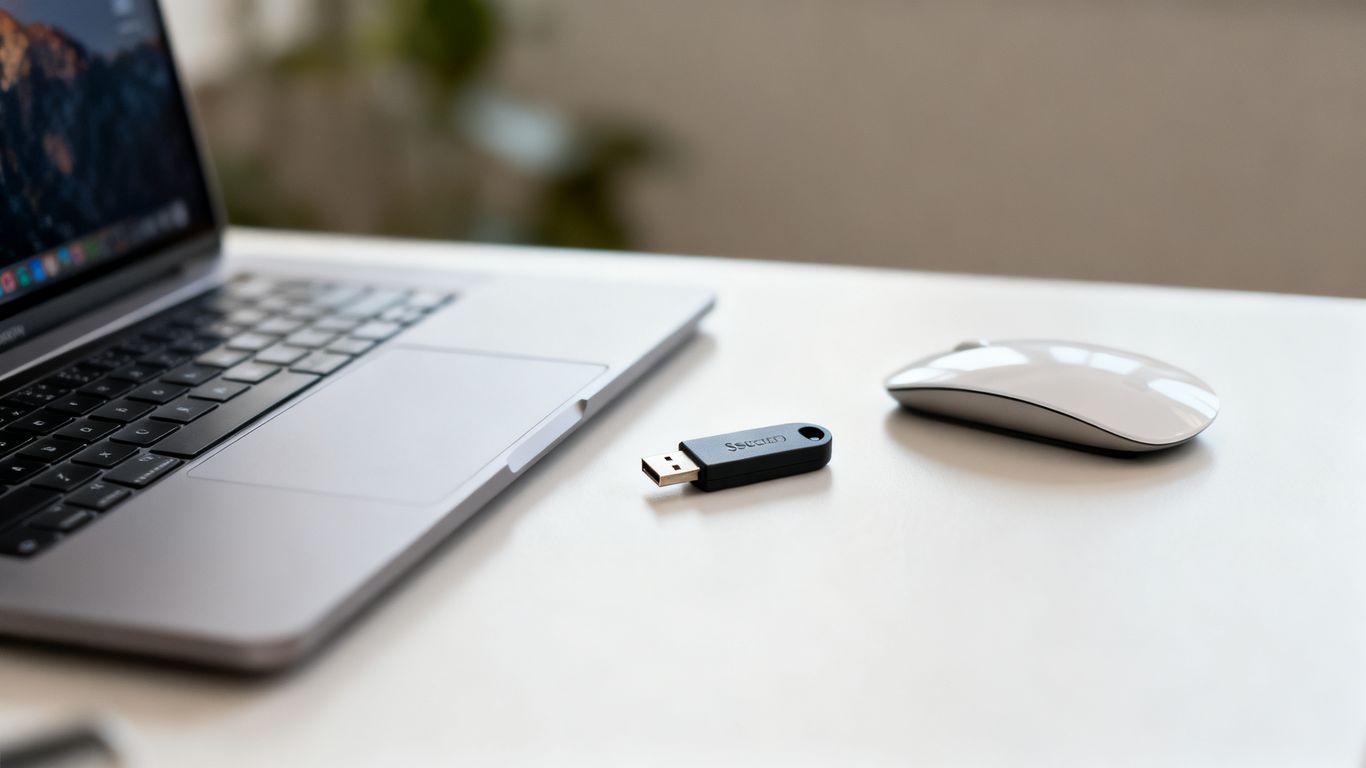
Before you purchase deployment kits, you must map your users to the right hardware. Some roles may require ruggedised keys for field use, while others thrive with simple laptop-integrated authentication solutions.
Integrating FIDO2 standards with existing identity providers
Modern cloud-based identity providers make it straightforward to adopt FIDO2 across your infrastructure. The focus should be on creating a consistent experience that treats phishing-resistant MFA as the default for every account.
Managing the transition from legacy MFA to passwordless flows
Moving to passwordless flows reduces the daily friction for your team, but requires careful planning. We recommend a phased approach, perhaps starting with your most sensitive executive accounts before rolling out the standard to the rest of the company.
- Establish a pilot group to test the new authentication flow.
- Develop clear documentation to assist staff with the transition.
- Monitor logs for errors during the implementation phase.
- Enable mandatory enforcement once the pilot group reports success.
This structured implementation process helps keep the transition smooth, which is precisely how we guide clients when managing IT managed services. Following these steps ensures your data retention policy remains secure during the migration.
Overcoming common challenges during deployment
Every IT rollout encounters hurdles, particularly when changes affect how staff interact with their daily applications. Preparing for these issues keeps your team focused on productivity rather than access problems.
Troubleshooting physical key loss or emergency account recovery
Lost hardware keys are a natural concern for any business, but they are easily managed with proper account recovery procedures. We recommend keeping a set of recovery tokens kept in a secure, digital vault for administrators.
Handling legacy applications that lack modern protocol support
Sometimes older, internal applications do not support modern protocols like WebAuthn. In these cases, we advise using a secure identity proxy or virtual desktop to bridge the gap while planning for eventual application updates.
Training staff to recognise and adopt new authentication habits
User buy-in is just as important as the technology itself. When staff understand that hardware keys are easier to use than typing in codes, adoption rates climb significantly across the organisation.
Best practices for long-term security maintenance
Security is a process, not a destination, especially with the upcoming phishing-resistant MFA enforcement for privileged access. You should treat maintenance as a routine part of your operational discipline.
Configuring conditional access policies to enforce MFA upgrades
Use conditional access to require stronger authenticators based on risk signals or location. By setting these policies today, you ensure that even as the landscape shifts, your organization remains protected by default.
Conducting periodic audits of authentication logs for irregularities
Reviewing authentication logs helps identify patterns that might indicate a compromised machine or a user attempting to bypass protocols. These audits give you the foresight to act before an incident occurs.
Scaling security infrastructure as your workforce grows
As your headcount increases, automated provisioning becomes vital. By building a scalable, standards-based identity flow now, you avoid the manual overhead that often slows down enterprise growth.
Conclusion
Adopting phishing-resistant authentication is the most effective way to secure your digital estate against increasingly clever cyberattacks. By moving away from legacy factors and embracing hardware-backed, cryptographic standards, you provide your business with a future-proof defensive architecture. Whether implementing new hardware or auditing your current access policies, working with a team like Good Choice IT ensures these upgrades are performed reliably without disrupting your daily operations.
Frequently Asked Questions
Is phishing-resistant MFA the same as standard MFA?
No, they are quite different. While standard MFA often uses codes that can be intercepted, phishing-resistant methods use cryptographic keys that verify the domain, making it impossible for attackers to capture or reuse them.
Can users still use their mobile phones for authentication?
Yes, modern mobile devices often support built-in hardware keys and platform authenticators, provided they meet the FIDO2 standard. This allows for simple, secure sign-in experiences on existing hardware.
Does this technology eliminate the risk of all cyberattacks?
While it effectively eliminates the risk of credential theft via phishing, no security measure is a silver bullet. You should still maintain strong network controls, regular software updates, and employee awareness training.
How long does it usually take to deploy this across an organisation?
Deployment timelines vary based on your environment, but a phased approach involving proper documentation and pilot groups typically ensures a smooth transition within a few weeks for most small and medium-sized firms.
Do I need to buy expensive equipment for every employee?
Not necessarily. Many modern laptops and smartphones have built-in biometric authenticators that are already phishing-resistant, allowing you to use existing consumer hardware in many cases.
What happens if an employee loses their security key?
Businesses should have established recovery procedures, such as secondary administrative tokens or verified helpdesk processes, to ensure that staff can regain access without compromising the security of the account.
Is this method compatible with older, non-cloud applications?
Integration with legacy applications can be complex. Typically, IT teams use identity proxies to wrap those older systems in a secure, modern authentication layer until the applications themselves can be replaced or upgraded.