Do you need help & advice with Cybersecurity or IT Management?
If you run a business and you’ve got Cyber Essentials, or you’re working through it because a customer or a tender asked for it, you’ve done the basics. The certificate wins you work and keeps out the commonest attacks. It won’t stop a determined criminal, and it says nothing about how you’d cope once one got in.
So keep the certificate. Then put your effort into the few things that could really hurt the business: how you’d stop them, how quickly you’d notice, and how you’d get back on your feet.
What does Cyber Essentials actually check?
Cyber Essentials is the certificate the government’s National Cyber Security Centre sets as the minimum every organisation should have. It checks the same five protections in every business, whatever its size:
- A barrier to the internet: something between your computers and the outside world that blocks connections nobody asked for.
- Safe settings: computers, phones and online accounts set up securely, with risky defaults switched off.
- Security updates: serious fixes installed within 14 days, on software that still gets them.
- The right access: staff reach only what their job needs, and prove it’s them with a second check, such as a code on their phone, when they sign in to online services.
- Protection from harmful software: viruses and the like blocked before they can run.
There are two levels. For Cyber Essentials you answer questions about how your IT is set up, a director signs the answers off and an assessor marks them. Cyber Essentials Plus covers the same five, and an assessor also tests your systems to check the answers hold up. IASME, which is the government’s official partner for the scheme, runs the certificates.
You take your car to be MOT’d. That doesn’t mean that it’s suitable to use on a racing track. It doesn’t mean it’s not going to break down. It just means on the day it met the minimum specifications.
Dave Lane, GoodChoice IT
Why isn’t the certificate enough on its own?
It was only ever meant to be the floor. The government’s own procurement rules say the scheme “does not negate risk and it is not designed to address more advanced, targeted attacks.”
Dave Lane, who founded GoodChoice IT in 2006 and takes businesses through Cyber Essentials, points to two gaps. The first is speed. The rules allow 14 days to install a serious security fix. “14 days is ridiculous,” he says. He would rather serious fixes went on the day they’re released, and with AI in the picture, updates have to go on faster still.
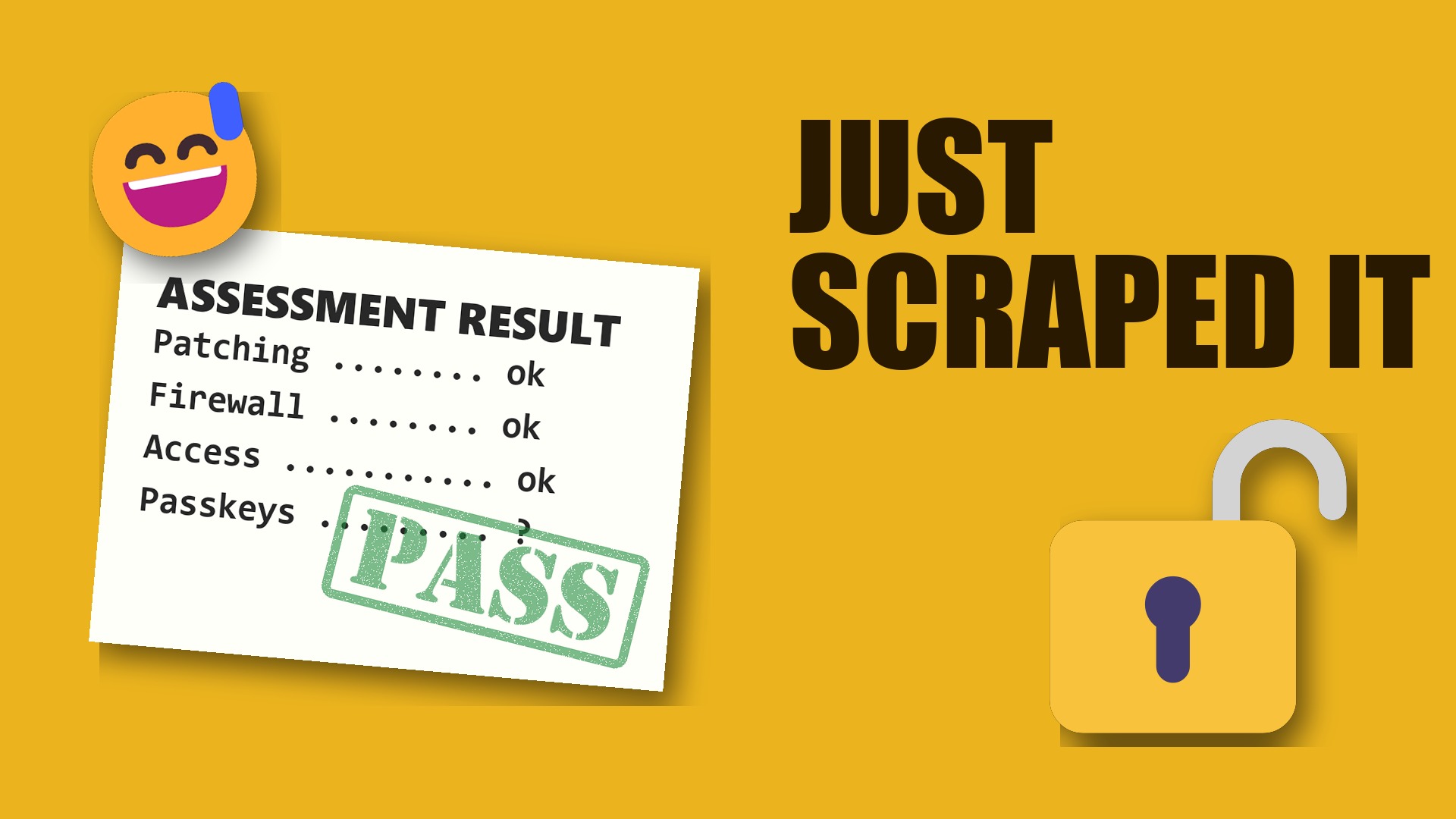
The second is passkeys. Dave wants every business GoodChoice IT looks after signing in to Microsoft 365 with them, because they shut out one of the commonest ways into a business. The latest version of the scheme encourages them, but doesn’t require them, so a business doing only what the certificate asks may never get round to it.
How passkeys shut out fake login pages
A passkey lets your staff sign in with a fingerprint, their face or their phone instead of typing a password. Criminals often send a link to a fake Microsoft login page and collect whatever gets typed into it. With a passkey there’s nothing to type, so there’s nothing to steal. What passkeys are, and how to switch.
What should you work on after Cyber Essentials?
Plan for the day something gets through, because sooner or later something will.
It is simply a matter of time until you have a cyber security incident.
Dave Lane, GoodChoice IT
For the plan, Dave points to a framework from NIST, which is the US government’s standards body. You can’t be certified to it, and UK tenders don’t ask for it. What makes it useful is that it starts from the risks to the business instead of a list of settings, and it splits the job into six areas, each a question your business should be able to answer.
Who’s in charge?
Who decides how much risk the business will accept, and who makes sure the work gets done?
What matters most?
Which systems, files and suppliers would stop the business if you lost them?
Can we keep them out?
The day-to-day protections. Cyber Essentials covers much of this one.
Would we spot it?
If someone got into our email or our files tonight, how soon would we know?
What would we do?
Who does what in the first few hours, and who do we call?
How fast could we recover?
How would we get the business working again, and how long would it take?
The framework calls the six govern, identify, protect, detect, respond and recover, and its free quick start guide for small businesses walks through them. The last three are the ones a certificate never tests: the National Cyber Security Centre’s free Exercise in a Box lets you rehearse an attack with your team, and our guide on what to do in a cyber attack covers the first hours of a real one.
Is your effort going on paperwork or on the risks?
The trap Dave sees is businesses spending their time writing policies and filling in forms while the risks stay exactly where they were.
A lot of businesses are spending a lot of time dealing with the admin of policy and not actually improving the risks.
Dave Lane, GoodChoice IT
His answer is to start from the business instead of the form. Draw a line under where you are today, ask what the business needs to stay safe, and use Cyber Essentials to help you get there. “It won’t take any longer to do it this way,” he says. It also gives you a better answer when a customer asks about the attacks in the news: you have the protections in place, and a plan for dealing with it if the worst happens.
Dave Lane on using Cyber Essentials to protect the business, not just to tick the boxes (2.5 minutes)
Where do you start?
Every business has more it could do than time and money to do it, so the order matters.
I would strongly recommend that you have your IT cyber specialist work with the board of directors to identify the biggest risk to the business and then work on the biggest ones first.
Dave Lane, GoodChoice IT
- Get the right people in one room. Your directors and whoever looks after your IT, whether that’s someone on the payroll or an outside company.
- List what would really hurt. Losing every file you own, a criminal sending fake invoices from your email to your customers, the office unable to work for a week.
- Ask the six questions of each one. Who’s in charge of it, how much does it matter, can we keep it out, would we spot it, what would we do, and how fast could we recover?
- Start at the top, and give each one an owner. One named person sees it through and reports back to the directors.
If nobody in the business can lead this, bring someone in. A part-time head of cyber security does exactly this for businesses too small for a full-time one, and our guide to who should be in charge of cyber security explains why it’s a job for the directors, not only the IT team.
So is Cyber Essentials still worth getting?
Yes. Government and NHS buyers ask for it on contracts where you’d handle personal information, and main contractors, councils, customers and insurers often ask for it too. Dave’s reason is the commercial one:
If you have these bits of paper and you can prove you meet certain standards that enables you to bid on contracts, you might not be able to bid on and win otherwise.
Dave Lane, GoodChoice IT
Our Cyber Essentials checklist for construction tenders shows what buyers look for, and our guide to Cyber Essentials covers how to get it. Just don’t mistake the certificate for the work.
If you think that the standards are all you need, you are sorely mistaken.
Dave Lane, GoodChoice IT
Get the certificate for the contracts. Do the risk work for the business.
Is Cyber Essentials a legal requirement?
No law makes a UK business hold it. It becomes a requirement when a contract asks for it. Under the government’s procurement rules, central government departments and NHS bodies ask for it where a supplier will handle personal information such as home addresses or bank details, and the supplier has to renew it every year for the life of the contract. Main contractors, councils and some insurers ask for it too.
Do we need NIST as well as Cyber Essentials?
Not as a certificate: there isn’t one. NIST is the US government’s standards body, and its cyber security framework is free guidance for planning how you manage cyber risk. UK tenders ask for Cyber Essentials, so get that first, then use the framework’s six areas as a checklist for what to work on next.
What's the difference between Cyber Essentials and Cyber Essentials Plus?
Both cover the same five protections. The basic certificate relies on your own answers, marked by an assessor; for Plus, the assessor also tests a sample of your computers and phones. If you take the Plus test within three months of the basic certificate you don’t repeat the questions, and you can do both together. When Cyber Essentials Plus is worth it.
How long does a Cyber Essentials certificate last?
Twelve months from the date it’s issued. Buyers check the date, so a lapsed certificate can knock you out of a tender. Start the renewal a couple of months early: anything that has changed in your IT since last year, such as new laptops, phones or online services, has to meet the rules again.
Does Cyber Essentials cover staff using their own phones?
Yes. Under the scheme’s rules, a personal phone, tablet or laptop that reaches business email or files is included, so it needs supported software, its updates and a screen lock. A phone used only for calls, texts or sign-in codes is left out. A phone too old to get updates has to be replaced or kept away from business data.
Does Cyber Essentials cover backups?
Backups aren’t one of the five protections you’re assessed on, although the scheme’s guidance recommends them. They’re what gets you working again after an attack, so plan them separately: keep a copy away from your main systems and check that you can restore from it. The National Cyber Security Centre’s free small organisations guide explains how.