
Do you need help & advice with Tech Tips / How-To or a Part-Time IT Manager?
So, you’re looking to get multi-factor authentication (MFA) up and running in your organisation, but the thought of everyone getting locked out is giving you the jitters? It’s a common worry, honestly. Getting MFA right means a big security boost, but a botched rollout can cause a whole heap of trouble for both IT and your staff. This guide is all about helping you figure out how do we roll out managed MFA without locking people out, making sure it’s secure and, importantly, not a nightmare for your users.
Key Takeaways
- Start by looking at what security stuff you already have in place and figure out what MFA methods will work best with it, without making things too tricky for people.
- Don’t try to do it all at once. Roll it out bit by bit, starting with a small group to iron out any problems before you go company-wide.
- Make sure your users know why MFA is needed and how to use it. Clear instructions and support can stop a lot of confusion and complaints.
- Watch out for common mistakes like relying too much on easily cracked methods (like SMS) or making the process too complicated for everyday use.
- Keep an eye on how things are going after the rollout, listen to feedback, and be ready to tweak your setup to keep it working smoothly and securely.
Planning Your Multi-Factor Authentication Rollout
Right then, let’s talk about getting Multi-Factor Authentication (MFA) sorted. Before you even think about flicking the switch, a bit of planning goes a long way. It’s not just about buying some software; it’s about making sure it actually works for everyone and keeps things secure.
Assessing Your Current Security Infrastructure
First off, you need to get a handle on what you’ve already got. What systems are you using? What kind of data are you protecting? Knowing this helps you figure out where MFA is going to make the biggest difference. Think about your network, your cloud services, and any applications that hold sensitive information. It’s a bit like checking the foundations of a house before you add an extension. You wouldn’t want to build on shaky ground, would you?
Choosing Appropriate Multi-Factor Authentication Methods
There are loads of ways to do MFA these days. You’ve got your classic SMS codes, but those aren’t the most secure. Then there are authenticator apps, hardware tokens, and even things like biometrics. The trick is to pick methods that are strong enough for your needs but also make sense for your users. For instance, if your team is always on the go, an app might be better than a physical key they could lose. Phishing-resistant methods like FIDO2/WebAuthn or passkeys are generally the gold standard for strong security.
Here’s a quick look at some common methods:
- Authenticator Apps: Like Google Authenticator or Microsoft Authenticator. Users get a code that changes every 30-60 seconds.
- Hardware Security Keys: Small USB devices that generate codes or use touch authentication. These are pretty tough to crack.
- Biometrics: Fingerprint or facial recognition. Convenient, but often used as a second factor after something else.
- SMS/Voice Calls: Codes sent to a phone. Easy, but vulnerable to SIM-swapping attacks.
It’s important to remember that not all MFA methods offer the same level of protection. Some are much easier for attackers to bypass than others. Choosing wisely upfront can save a lot of headaches later.
Selecting a Suitable Multi-Factor Authentication Solution Provider
Once you know what kind of MFA you want, you need to find a provider. There are plenty of companies out there offering MFA solutions. Look at reviews from other businesses, see how well their product integrates with your existing systems, and check out their support options. You want a provider that’s reliable and can grow with you. Don’t just go for the cheapest option; think about long-term value and security. You might want to check out different MFA providers to compare their features and pricing.
Implementing Multi-Factor Authentication Effectively
Right then, you’ve got your plan, you know what you need, and now it’s time to actually get this MFA thing up and running. This isn’t just about flicking a switch, mind you. It’s about making sure it works properly and doesn’t turn into a daily headache for everyone.
Developing a Phased Rollout Strategy
Trying to roll out multi-factor authentication to everyone all at once is a recipe for chaos. Seriously, don’t do it. Instead, think about a staged approach. Start small, maybe with a group of people who are a bit more tech-savvy and won’t mind reporting back on any hiccups. This pilot phase is your chance to iron out any kinks before the whole company is involved. After that, you can gradually expand, perhaps prioritising those accounts that handle the most sensitive information first. It’s all about learning as you go and making sure the process is as smooth as possible for each group.
Configuring Multi-Factor Authentication Settings and Policies
This is where you get to decide how MFA actually behaves. You’ll need to set up rules, or policies, that dictate when and how users need to prove their identity. For instance, you might decide that accessing company email requires MFA, but logging into a low-risk internal document viewer from a trusted office computer doesn’t. It’s a balancing act between security and making sure people can actually get their work done without constant interruptions. Think about what makes sense for different types of access and different user groups. You’ll also want to have a plan for what happens if someone loses their phone or can’t get a code – having backup options is key.
Setting up MFA isn’t a ‘one-size-fits-all’ situation. The best policies are often adaptive, meaning they adjust based on the context of the login attempt. This could involve checking the user’s location, the device they’re using, or even their typical behaviour patterns. This way, you add extra security checks only when they’re truly needed, rather than annoying everyone all the time.
Integrating Multi-Factor Authentication with Your Applications
Once your settings are sorted, you need to connect your MFA system to all the applications and services people use. Most modern cloud applications, like your email or collaboration tools, will have ways to integrate with common MFA providers. For older, ‘legacy’ systems, it might be a bit more involved, possibly requiring extra software or configuration. The goal here is to make the login process as straightforward as possible for the user, even with the added MFA step. It’s worth testing these integrations thoroughly to make sure everything flows correctly. You don’t want users getting stuck at the login screen because the MFA prompt isn’t showing up properly. Getting this right means fewer support calls and happier staff who can actually access the tools they need to do their jobs.
Ensuring Smooth User Adoption of Multi-Factor Authentication
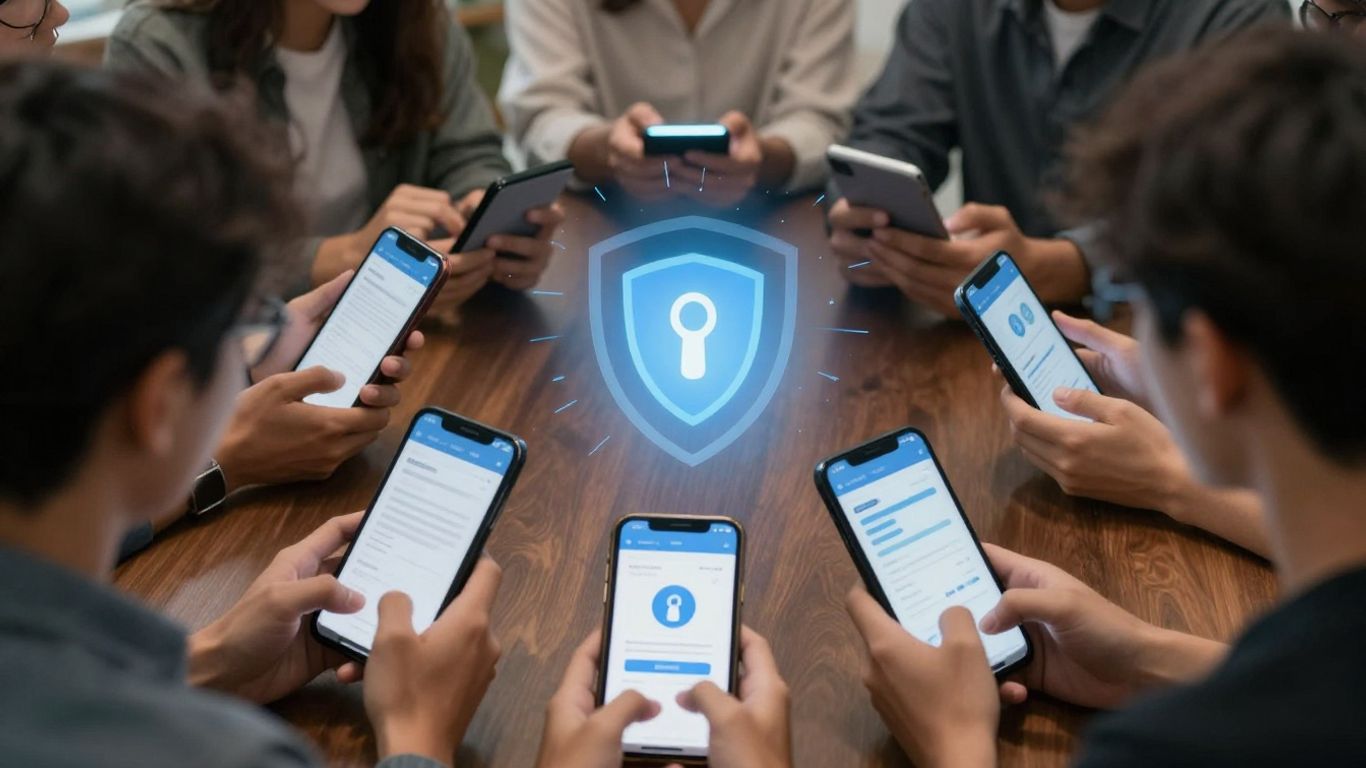
Getting everyone on board with multi-factor authentication (MFA) can feel like a bit of a challenge, can’t it? It’s not just about flicking a switch; it’s about bringing your people along for the ride. If it’s clunky or confusing, you’ll end up with more problems than you started with. The trick is to make it as painless as possible.
Training Your Users Effectively
Think of training like showing someone how to use a new gadget. If the instructions are clear and easy to follow, they’ll be using it like a pro in no time. For MFA, this means ditching the technical jargon and getting straight to the point. We need to explain why this is happening, not just that it is happening. A good analogy can go a long way – maybe like a digital deadbolt that only opens with the right key and a special knock.
Here’s what works:
- Step-by-step guides: Simple, visual instructions for setting up and using MFA. Think screenshots or short videos.
- Contextual prompts: Little nudges within the systems themselves when MFA is needed.
- Hands-on workshops: For those who prefer a bit of live help, especially for more complex setups.
The goal here is to demystify the process. Users need to feel confident, not overwhelmed. If they understand how it works and why it’s important, they’re far more likely to embrace it.
Communicating the Benefits of Multi-Factor Authentication
People are more likely to do something if they see what’s in it for them. So, instead of just saying "this is for security," let’s talk about the upsides. Fewer annoying password reset requests, for one. Maybe even quicker logins once it’s set up, depending on the method. And importantly, it shields them from the stress of phishing scams that try to steal their passwords. Highlighting these personal advantages makes MFA feel less like a chore and more like a helpful tool.
Addressing User Resistance and Concerns
You’ll always get a few grumbles, and that’s normal. Some folks might say it’s too complicated, especially if they already find using apps a bit tricky. Others worry about losing their phone or security key. It’s important to have answers ready. For the "too hard" crowd, show them how simple it can be – a quick tap on an app or a fingerprint scan. For those worried about losing things, clearly explain the recovery process and what backup options are available. Being prepared for these common objections shows you’ve thought it through and are there to help.
| Common Objection | How to Address It |
|---|---|
| "It’s too difficult." | Demonstrate ease of use (e.g., app notification, biometrics). |
| "I forget things." | Provide clear, simple recovery steps and support. |
| "What if I lose my device?" | Explain backup methods and the secure recovery process. |
| "It slows me down." | Show how some methods can be faster than passwords. |
Avoiding Common Pitfalls During Multi-Factor Authentication Deployment
Even with the best intentions, rolling out multi-factor authentication (MFA) can hit a few snags. It’s easy to get caught up in the technical side and forget about the human element, or to make assumptions that don’t quite hold up in the real world. Let’s look at some common traps organisations fall into and how to sidestep them.
Over-reliance on Weak Authentication Factors
It’s tempting to stick with what’s familiar, and for many, that means SMS codes. While better than nothing, SMS is surprisingly vulnerable. Think SIM swapping – where someone tricks your mobile provider into transferring your number to their SIM card. Suddenly, those verification codes are going straight to an attacker. It’s a bit like leaving your house keys under the doormat; convenient, but not exactly secure.
- Prioritise app-based authenticators: Tools like Google Authenticator or Microsoft Authenticator generate codes on your device, making them much harder to intercept.
- Consider hardware security keys: For really sensitive accounts, a physical key that you plug in or tap is about as secure as it gets.
- Use biometrics where possible: Fingerprints and facial scans are unique to individuals and difficult for remote attackers to fake.
- SMS as a last resort: Keep SMS codes for situations where no other method is available, not as your primary choice.
Relying too heavily on SMS for MFA is a common mistake that can leave your organisation exposed to well-known attack vectors. It’s crucial to understand the security limitations of each factor you deploy.
Enforcing Multi-Factor Authentication Without Exemptions
Imagine needing to prove your identity with a second factor every single time you access your email, even if you’re on your work laptop in the office. It sounds secure, but it quickly becomes incredibly annoying. This constant friction can lead users to try and find workarounds, which often defeats the purpose of MFA in the first place. Not all access needs the same level of scrutiny.
- Implement risk-based policies: The system can check things like your location, the device you’re using, and your usual behaviour. If everything looks normal, maybe you don’t need that extra step every time.
- Allow trusted devices longer sessions: If a user is on a company-issued laptop connected to the office network, they might not need to authenticate every hour.
- Create sensible exceptions: For low-risk applications accessed from internal networks, a slightly less rigorous approach might be acceptable.
Poor User Experience with Error and Recovery Processes
When something goes wrong during the MFA process, users need clear guidance. Vague messages like “Authentication Failed” are unhelpful and just lead to frustration. If a user can’t easily figure out what went wrong or how to fix it, they’ll likely give up and contact support, or worse, try to bypass the system. A clunky recovery process can be just as bad.
- Provide clear, actionable error messages: Tell users why authentication failed and what they can do about it.
- Simplify account recovery: Make it straightforward for users to regain access if they lose their authenticator device or forget their password, without compromising security.
- Offer multiple recovery options: Having a couple of secure ways for users to recover their account can prevent lockouts.
Neglecting Backup and Disaster Recovery Scenarios
What happens if your primary MFA system goes down? Or if a natural disaster affects your data centre? If you haven’t planned for these scenarios, you could face a complete system outage, leaving everyone locked out. It’s not just about day-to-day use; you need to think about the worst-case scenarios too.
- Have a resilient MFA infrastructure: Consider redundancy and failover options for your MFA solution.
- Document recovery procedures: Clearly outline the steps to take if the MFA system becomes unavailable.
- Regularly test your disaster recovery plan: Make sure your backup systems actually work when you need them.
Establishing Support and Recovery for Multi-Factor Authentication
Right, so you’ve got your multi-factor authentication (MFA) system up and running, which is brilliant. But what happens when someone forgets their code, loses their phone, or their authenticator app just decides to throw a tantrum? This is where solid support and recovery plans come into play. Without them, your shiny new MFA system could actually cause more problems than it solves.
Setting Up Support and Recovery Processes
Think of this as your MFA’s safety net. When things go wrong, and they will, you need clear, straightforward ways for users to get back into their accounts without compromising security. This means having a plan for common issues like lost devices or forgotten backup codes.
Here’s a breakdown of what you need:
- Clear Procedures for Lost Factors: Users need to know exactly what to do if they can’t access their primary MFA method. This could be a lost phone, a broken hardware token, or even just a dead battery.
- Secure Identity Verification: When a user needs to recover their account, you can’t just take their word for it. You need a robust, yet not overly complicated, way to confirm they are who they say they are. This might involve answering security questions, providing information only they would know, or even a brief video call with a support agent.
- Help Desk Readiness: Your support team needs to be fully equipped. This means training them on the MFA system, common problems, and the approved recovery procedures. They should have quick access to tools that can help legitimate users regain access swiftly.
It’s a balancing act. You want to make it hard for attackers to get in, but also make it possible for genuine users to get back in when they hit a snag. Too much friction on the recovery side, and people will get frustrated. Too little, and you’re opening doors you shouldn’t.
Documenting Troubleshooting Steps and Escalation Paths
Not every problem can be solved by the first person a user speaks to. That’s why having documented steps and clear paths for when things get tricky is so important.
- Troubleshooting Guides: Create simple, step-by-step guides for common MFA issues. These should be easily accessible to both your support staff and, where appropriate, your users. Think about things like:
- Re-syncing an authenticator app.
- Generating new backup codes.
- Troubleshooting push notification delivery.
- Escalation Paths: Define exactly when and how a support issue should be passed up the chain. Who handles complex account lockouts? Who has the authority to reset MFA factors? Having this mapped out prevents confusion and delays.
- Knowledge Base: A central place where all this information is stored and kept up-to-date is a lifesaver. It helps ensure consistency in support and makes it easier for new team members to get up to speed.
By putting these support and recovery measures in place, you’re not just fixing problems as they arise; you’re building confidence in your MFA system and making life easier for everyone involved.
Monitoring and Maintaining Your Multi-Factor Authentication System
So, you’ve got MFA up and running, which is brilliant. But honestly, the job isn’t done yet. Think of it like looking after a new car – you wouldn’t just drive it off the forecourt and forget about it, would you? You need to keep an eye on how it’s performing and give it a bit of TLC now and then. The same goes for your multi-factor authentication setup. Regular checks and updates are key to keeping your digital doors securely locked.
Monitoring and Optimising Performance
First off, let’s talk about keeping tabs on things. You need to know if your MFA is actually being used and if it’s working as it should. Are people actually enrolling? Are their logins succeeding most of the time? It’s worth keeping an eye on these numbers.
- Adoption Rates: How many of your users have successfully set up and are using MFA? A low adoption rate might mean your communication or training needs a boost.
- Success Rates: Track how often MFA prompts are successfully completed. High failure rates could point to usability issues or even people struggling with the process.
- Failed Logins: Keep an eye on login attempts that fail, especially those involving MFA. This can be an early warning sign of suspicious activity or highlight where users are getting stuck.
It’s also a good idea to actively ask your staff how they’re finding the MFA process. Are there any bits that are particularly annoying or confusing? Using this feedback to tweak your policies or the methods you offer can make a big difference.
You’re aiming for a sweet spot where security is high, but the process isn’t so clunky that it drives everyone mad. It’s a balancing act, really.
Maintaining and Updating Your Multi-Factor Authentication System
Technology moves fast, and so do the threats out there. Your MFA system needs to keep up. This means making sure the software you’re using is up-to-date with the latest security patches. Vendors often release updates to fix bugs or add new security features, and you don’t want to miss out on those.
- Regular Reviews: Schedule time, perhaps quarterly, to look over your MFA policies. Do they still make sense? Are they aligned with your current security needs and any new risks you’ve identified?
- Scalability Checks: As your organisation grows, more people will need MFA. Make sure your system can handle the extra load without slowing down or becoming unstable.
- Stay Informed: Keep an ear to the ground for new authentication technologies and emerging cyber threats. What worked last year might not be the best approach next year.
Continuous Oversight and Iteration
Finally, think of MFA not as a one-off project, but as an ongoing process. The digital landscape is always changing, and your security measures need to adapt with it. This means consistently watching how your MFA is performing, gathering feedback, and making adjustments. It’s about learning from your experiences and making things better over time. Don’t be afraid to tweak your rollout strategy, update your training materials, or even switch to a different authentication method if it proves to be more effective or user-friendly. This iterative approach helps to keep your security robust and your users happy.
Keeping your multi-factor authentication system running smoothly is key. It’s like making sure your digital locks are always strong and working right. We help you check that everything is up-to-date and secure, so your important information stays safe. Want to learn more about how we can help you keep your systems secure? Visit our website today!
Wrapping Up
So, rolling out multi-factor authentication doesn’t have to be a headache. It’s really about taking it step-by-step, thinking about your users, and not trying to do everything at once. We’ve talked about how important it is to get the planning right, pick the best methods for your team, and actually show people how to use it. Remember, keeping an eye on things after you’ve rolled it out is key too – checking what’s working and what’s not. By doing this properly, you’re not just adding a security layer; you’re making things safer for everyone without making their daily work a chore. It’s a bit of a journey, but a worthwhile one for keeping your organisation secure.
Frequently Asked Questions
Why is it important for businesses to use multi-factor authentication (MFA)?
Using MFA is like adding an extra lock to your digital doors. It significantly boosts security by requiring more than just a password to get in. This makes it much harder for hackers to break into your systems, helping to stop data theft and costly breaches. It’s a vital step in protecting sensitive information.
What are the best ways to introduce MFA without annoying users?
The trick is to roll it out gradually. Start with a small group of people who are comfortable with new tech to test things out. Then, move on to groups that handle really important information. Explain clearly why it’s needed and how it helps everyone stay safe. Offering training and support makes a big difference too.
Which MFA methods are the most secure and user-friendly?
Authenticator apps that generate codes on your phone, like Google Authenticator or Microsoft Authenticator, are generally a great balance of security and ease of use. Physical security keys are even more secure, especially for very sensitive accounts. While SMS codes are common, they’re less secure because they can be intercepted. Biometrics like fingerprint scans are also very convenient and secure when available.
What happens if a user loses their phone or security key?
It’s crucial to have a plan for this! Before rolling out MFA, make sure users register more than one way to prove who they are, like a backup code or a different device. Set up clear, secure steps for your support team to help users get back into their accounts if they lose their primary method.
How can we make sure everyone actually uses MFA correctly?
Good communication and training are key. Explain the ‘why’ behind M