Do you need help & advice with Construction IT or Cybersecurity?
Working in construction means you’re always dealing with change. One day you’re in a city, the next you’re at a muddy field on the edge of nowhere. And with all those temporary cabins and remote depots, getting Wi‑Fi set up is just one more thing to sort out. But here’s the thing: just because it’s temporary doesn’t mean you can skip on security. Hackers and dodgy connections don’t care if your office is a shipping container or a shiny city tower. If you’re not careful, your whole project could be at risk. So, let’s talk about how to keep remote depot wifi security construction depots tight, even when your office has wheels.
Key Takeaways
- Wi‑Fi at remote depots and temporary site cabins is just as likely to be targeted as any permanent office, so don’t take shortcuts with security.
- Choose equipment that can handle tough site conditions and make sure you set up access points where they work best for both coverage and safety.
- Always use strong passwords, proper authentication, and keep different groups (like staff, contractors, and visitors) on separate networks.
- Keep an eye on all devices – whether it’s someone’s phone, a site camera, or a sensor – and use mobile device management tools to help.
- Have a plan for what to do if something goes wrong, and make sure everyone on site knows the basics of spotting and reporting security issues.
Understanding Wi‑Fi Threats At Remote Construction Depots
Working at remote construction depots, you get used to odd problems—muddy boots, dodgy power, maybe even foxes rummaging for snacks. But Wi‑Fi security? That’s an issue people miss, and honestly, the risks can get out of hand fast if you’re not watching for them.
Common Wireless Vulnerabilities In Temporary Cabins
- Weak or default passwords on routers
- Unsecured guest networks left open
- Old Wi‑Fi standards like WEP still being used
When you think about it, temporary cabins have a lot against them right from the start. They’re often set up in a rush, with used kit, and not always by people who know their way around Wi‑Fi settings. Plus, once the kit is in place, it might be weeks before anyone checks it again.
| Vulnerability | Description | Likelihood | Potential Impact |
|---|---|---|---|
| Default Credentials | Using passwords set by vendor | High | Total network loss |
| Open Guest Networks | No password needed for access | Medium | Data leaks |
| Outdated Encryption | Using WEP or no encryption | Medium | Easy hacking |
Many temporary setups don’t get a second look unless something’s broken, which is part of the reason these vulnerabilities never seem to go away.
Risks Of Unsecured Connections At Remote Locations
- Theft of project data, client info, or personal details
- Malware infections from nearby devices
- Remote hijacking of cameras and IoT sensors
Attackers can sit in a van nearby, sniff out signals, and breach your network without even stepping foot inside the site. Remote spots don’t always feel like prime targets, but they’re often overlooked and that’s exactly what makes them tempting.
Recognising Emerging Threats In Depot Environments
- Fake access points set up to trick your crew
- Automated hacking tools scanning and attacking weak networks
- Staff and contractors accidentally creating risks with personal hotspots or rogue Wi‑Fi devices
Threats change fast. Something new crops up every year—last month it was a rogue hotspot popping up on the cabin list. Next time, it could be someone plugging in a dodgy USB stick. Keep your eyes peeled for the unusual or unexpected with new Wi‑Fi signals and odd device behaviour. If something feels off, trust your gut and check it out.
Deploying Secure Network Infrastructure In Temporary Buildings
When you’re working with temporary structures like site cabins or remote depots, Wi‑Fi isn’t just a nice-to-have anymore—it’s expected. But, because these setups are so different from permanent offices, keeping them secure needs its own approach.
Selecting Ruggedized Equipment For Construction Sites
Construction sites are tough on technology—dust, temperature swings, knocks, even the odd splash from a pressure washer. Standard routers and switches rarely last. It’s worth looking for network devices designed specifically for harsh environments:
- Weatherproof or dustproof components (with IP ratings like IP65+)
- Shock-resistant and vibration-proof housings
- Easy mounting options inside protective cabinets or wall enclosures (secure housing for devices)
Security begins with hardware built to take a beating—standard office kit might not survive the demands of a busy construction site.
Optimising Placement Of Access Points For Coverage And Security
Just sticking a Wi‑Fi box in the cabin corner doesn’t cut it. Good coverage—without dead zones or weak spots—means considering both where people work and how to limit unauthorised access. A few key steps:
- Draw up a quick site plan—note cabin walls, big metal equipment, and usual working zones.
- Place access points high up and away from obvious outside walls, to keep the signal local.
- Regularly walk-test indoor and outdoor spots with a device to check for signal leaks and fix any weak coverage.
Table: Common Access Point Errors & Fixes
| Error | Consequence | Simple Solution |
|---|---|---|
| Placed too near window | Signal leaks outside | Move inward, elevate |
| Too far from users | Dead zones | Add a booster or repeater |
| Not protected | Tampering risk | Lock inside cabinet |
Implementing Encrypted Networks In Pop-Up Cabins
Unencrypted guest networks and easy-to-guess passwords just invite trouble. Instead, every new site setup should support strong encryption like WPA3 if possible, or at least WPA2. Some best practice points:
- Never use default passwords or network names—change these during setup
- Enable client isolation, so devices can’t eavesdrop on each other
- Set time-limited Wi‑Fi credentials for contractors
Even at a temporary depot, controlling who gets network access and what they can see is completely doable—don’t let the short-term nature of the setup fool you into skipping the basics.
Putting the work into secure infrastructure at the very start can actually save you stress and hassle, helping keep both your data and people as safe as possible until the job’s done.
Best Practices For Remote Depot WiFi Security Construction Depots
Securing Wi-Fi across construction depots isn’t just about plugging in a few routers and calling it a day. Each remote location comes with its own set of quirks—wind, mud, half-assembled cabins, and a revolving door of workers. If you want your site network to stand up to real-world threats, you’ll need to get serious about some practical, no-nonsense security basics.
Enforcing Strong Authentication And Password Protocols
You’d be amazed at how many people still use “password123”. To keep unwanted visitors off the network:
- Require unique logins for each user, not just one shared Wi-Fi code stuck to the wall.
- Change default admin credentials on every piece of hardware as soon as it’s set up.
- Insist on long, complex passwords—ideally with a password manager so staff don’t scribble them on a notepad and lose it.
- Turn on multi-factor authentication (MFA) where you can, especially for admin access.
The easier it is for staff to keep accounts safe, the less often you’ll be resetting compromised logins.
Segmenting Networks For Staff, Contractors And Visitors
One network for everyone? Not the best idea. If just one visitor downloads malware, the whole system’s at risk. Here’s a better approach:
- Set up separate Wi-Fi SSIDs: one each for staff, contractors, and guests.
- Limit access—guests should never see internal data or CCTV feeds.
- Keep sensitive work systems (design plans, payroll, etc.) isolated from what visitors use.
A simple visual table makes the approach clear:
| Network Area | Access Level | Suggested Users |
|---|---|---|
| Staff | Full (Internal + Internet) | Company employees |
| Contractors | Internet + select apps | Approved contract staff |
| Visitors | Internet only | Guests, deliveries |
Maintaining Visibility With Real-Time Network Monitoring
No security plan works if you can’t see what’s happening. Remote depots are often out of sight—so you need ways to keep tabs on everything, without being there physically.
Best practices include:
- Use cloud-based monitoring tools that alert you if something strange pops up (like a new device connecting at midnight).
- Keep logs of who joined the network and when, so you can trace any suspicious activity later.
- Schedule automated scans for vulnerabilities—especially after any hardware changes or updates.
Problems rarely announce themselves. Early warning from real-time monitoring can stop small issues becoming full-scale breaches.
That’s the short version, really. The technology’s there, but the effectiveness depends on regular maintenance, a bit of forward thinking, and keeping everybody (even the guy in the site office with the radio) on the same page. Don’t treat Wi-Fi security as something you look at once and forget about—it’s an ongoing job, especially out in the mud and rain where surprises are normal.
Managing Mobile Devices And IoT On Construction Sites
Keeping track of all the smartphones, tablets, and smart sensors dotted around a construction site is no small job. These devices are handy for everything from clocking in to monitoring temperature, but every unit connects to your Wi‑Fi and opens another door if you’re not careful. Unmanaged mobile devices and IoT gadgets can quietly expose your entire network at a remote depot.
Policies For Bring-Your-Own-Device (BYOD) Security
- Ask staff and contractors to register personal devices before allowing any site Wi‑Fi access
- Only permit access through secure, guest-specific networks separate from critical business systems
- Set guidelines for required updates, strong passwords, and what to do if a device is lost
BYOD keeps people productive, but without rules, you might end up sharing more than a signal.
It takes just one unpatched or rogue phone connecting to your network for a security incident to snowball across the whole site.
Securing Site Sensors, Cameras, And Tracking Equipment
Many sites run all sorts of smart gear: humidity sensors, wireless CCTV, GPS beacons for assets. These tools often have weak security by default.
- Always replace default usernames and passwords on all IoT units
- Turn off features you don’t use (like open Bluetooth connections)
- Place devices on isolated VLANs so any breach can’t spill into the main network
Most IoT kit won’t get regular patches unless you check the vendor’s site yourself now and then.
Deploying Mobile Device Management Tools Remotely
Getting a handle on dozens of devices remotely takes proper tools. Mobile Device Management (MDM) lets you:
| Feature | What It Enables |
|---|---|
| Remote Wipe | Erase lost or stolen devices instantly |
| App Control | Block risky apps, enforce work-only installs |
| Location Track | Find lost devices or check usage patterns on site |
An MDM service is especially useful when your sites are always changing or spread out.
- Register each new device before it can access sensitive resources
- Enforce encrypted connections for everything, wherever possible
- Use regular reports to spot outdated devices or suspicious activity
There’s a tendency to ignore smaller devices on site, but they often hold just as much data—and risk—as any office PC.
Responding To Security Incidents And Network Breaches
Responding quickly to security incidents matters a lot at construction depots. These sites, often remote and temporary, face special risks when it comes to Wi‑Fi. A strong response plan helps limit the damage when something does go wrong.
Establishing A Rapid Response Plan For Depot Sites
- Assign key roles—decide who takes charge, who notifies staff, and who contacts IT support.
- Create a step-by-step checklist for different types of breaches (lost device, unauthorised access, malware, etc).
- Set up simple communication channels (group SMS, WhatsApp, or radio) so staff can raise the alarm fast.
Everyone needs to know what to do and who to call when something looks off.
Even though you hope never to use it, having a clear process removes confusion when time is tight.
Detecting Intrusion Attempts And Rogue Devices
Spotting a potential breach often starts with watching for odd network behaviour. Here’s what helps:
- Monitor Wi-Fi logs for new, unknown devices connecting.
- Get alerts for unusual spikes in traffic—like large file transfers at odd hours.
- Use tools to scan for rogue access points or unauthorised Wi‑Fi signals nearby.
The table below shows simple signs something isn’t right:
| Warning Sign | What It Might Mean |
|---|---|
| New unknown device appears | Possible intruder or rogue device |
| Sudden bandwidth spike | Data exfiltration attempt |
| Frequent failed logins | Brute-forcing of passwords |
Training On-Site Staff To Recognise Security Risks
Every person on-site can play a part by spotting issues fast. Offer regular, easy-to-understand training on:
- How to recognise phishing emails and scam messages.
- What suspicious Wi-Fi activity looks like (e.g., unexpected disconnections, pop-up warnings).
- The need to report anything unusual, even if it seems minor at first.
One way to support this is to share tips from practical resources, like strengthening Wi‑Fi security at home and work.
Whenever there’s a breach, review what happened, update your plan, and keep the team in the loop. Over time, this makes every site better prepared.
Ensuring Compliance And Data Protection In Construction Depots
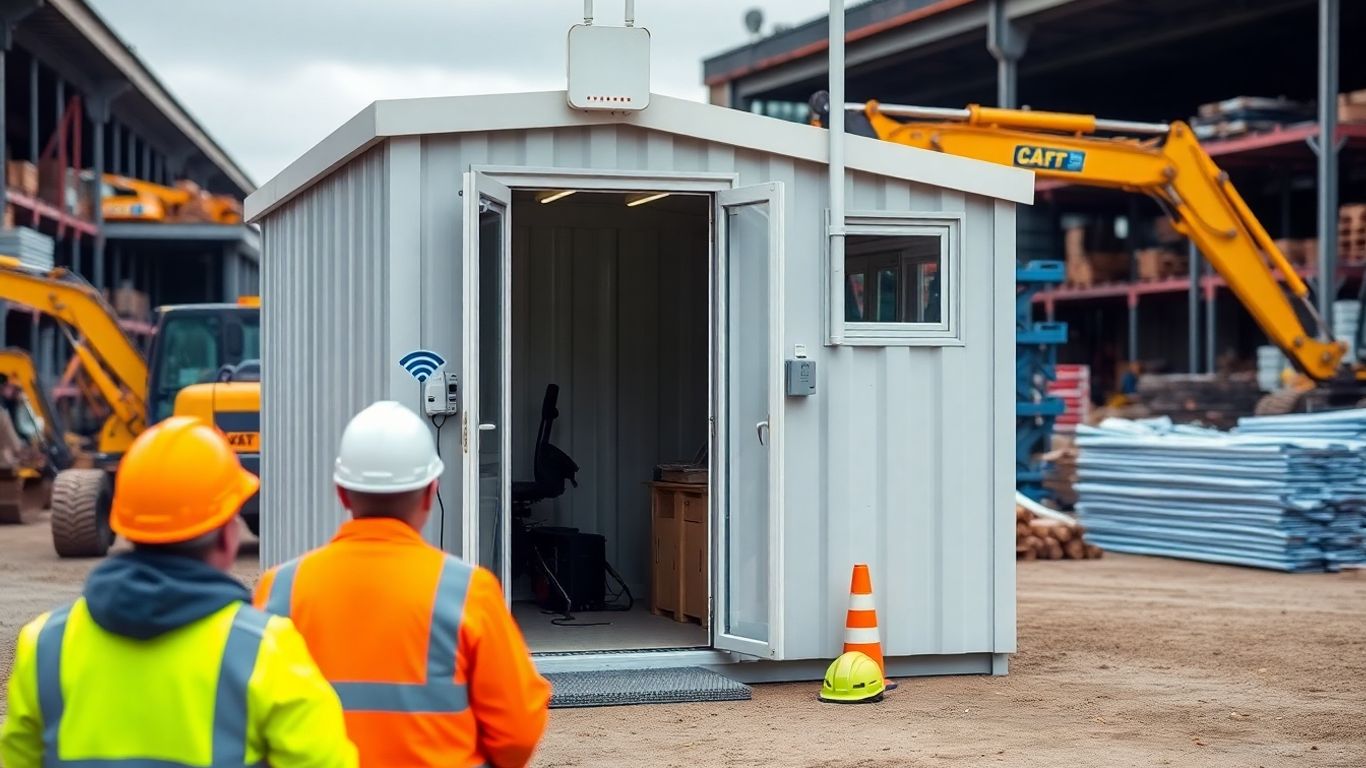
Maintaining compliance and keeping data private in a construction depot can be a slog, especially when you’re juggling temporary offices, spotty signals, and people coming and going all day. If proper controls aren’t followed, confidential plans and worker details risk getting exposed.
Meeting GDPR And Industry Security Requirements
- Construction depots, even temporary ones, are on the hook for laws like GDPR when collecting or processing any personal data—think site access logs or camera footage.
- Industry standards usually call for:
- Secure logins for anyone handling data
- Encryption for storing and sending anything private
- Prompt removal of obsolete or unnecessary data
All systems should be checked before going live to make sure no one’s caught off guard by missing a legal step. For a breakdown of how monitoring setups fit with data privacy rules, monitoring systems in smart buildings offers some relevant perspective.
Auditing Wireless Networks For Vulnerabilities Regularly
- Schedule audits for your wireless network setup—don’t just do it once and forget about it.
- What to check in a quick audit:
- Are default passwords still active anywhere?
- Have all access points got up-to-date firmware?
- Are guest networks isolated from sensitive systems?
- Keep a simple spreadsheet or checklist to track findings and fixes.
| Audit Task | Frequency | Responsible Party |
|---|---|---|
| Change Wi-Fi passwords | Every 1-3 months | IT staff/site lead |
| Firmware updates | Quarterly | IT staff |
| Review user access logs | Monthly | Site manager |
Try not to treat network reviews as an afterthought—catching issues early can save you a world of hassle later.
Securing Sensitive Project And Personnel Data
- Restrict device and app access—limit who sees financial plans or worker contact info.
- Use strong encryption for documents and communication, especially if staff are sending blueprints via email.
- Regularly train the site team: a quick reminder about data risks usually beats a long lecture.
A practical approach includes:
- Minimal data collection—record only what’s necessary
- Scheduled deletion of old records
- Documented, simple breach response procedures
In short, a construction depot’s Wi-Fi network can be a weak link for personal and business information if security and compliance aren’t front of mind. By reviewing network systems, sticking to basic privacy practices, and educating the team, depots can avoid common traps. It’s a bit more effort up front, but pays off over time.
Cost-Effective Wi‑Fi Solutions For Temporary And Remote Locations
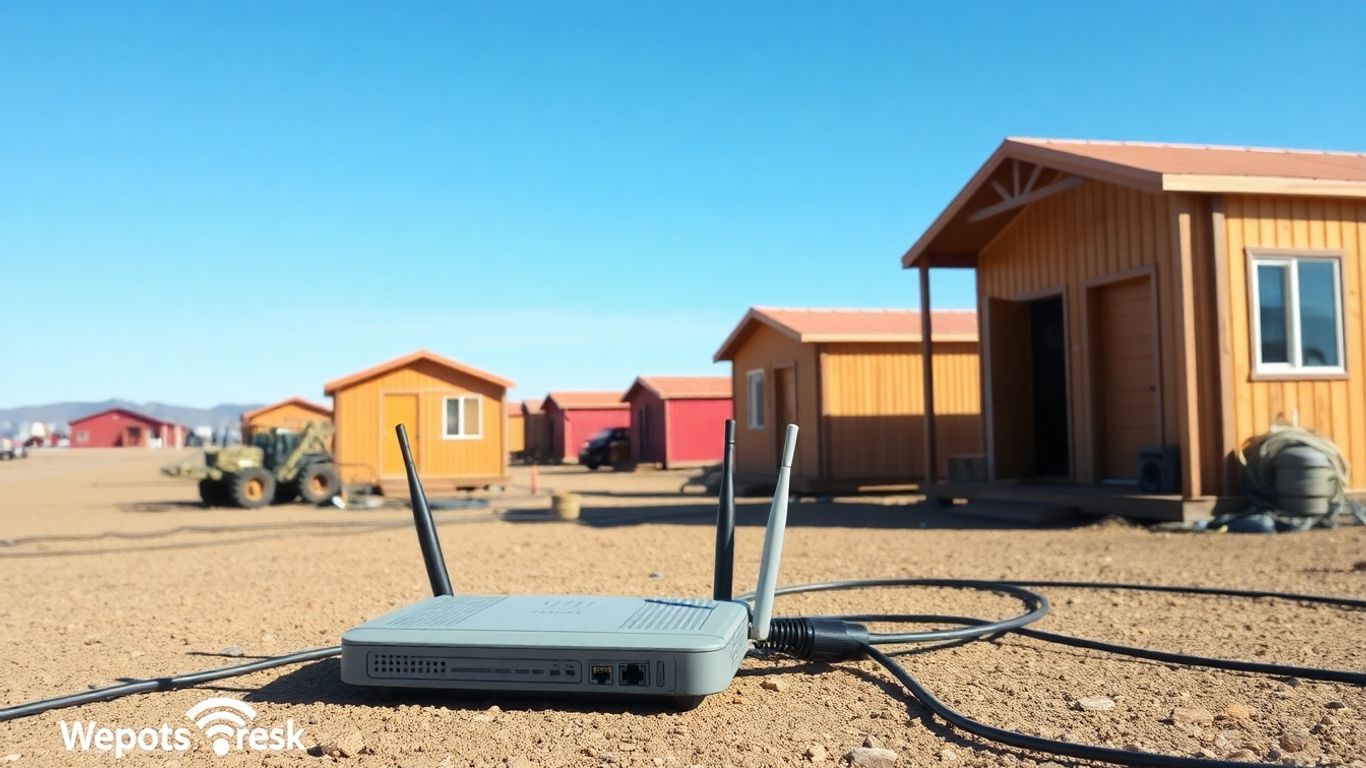
Getting affordable yet secure Wi-Fi at construction depots and pop-up cabins is a real headache. You need something that works straight out of the box, won’t blow the budget, and keeps your project data out of the hands of opportunists. So, what’s the best way to skin this cat? Let’s take a closer look at your options, the real-money differences, and the simple tricks that don’t require an IT wizard onsite.
Evaluating Managed Wi‑Fi Versus DIY Networks
If you’re weighing up between going it alone or letting a managed Wi-Fi provider handle the headaches, start by looking at who’s available for setup and ongoing support. A managed solution wraps up installation, monitoring, and fixes in one package, which is a big deal when your IT guy is an hour away.
| Solution Type | Upfront Cost | Monthly Cost | Tech Support | Maintenance Responsibility |
|---|---|---|---|---|
| Managed Wi‑Fi | Moderate | Higher | Included | Provider |
| DIY Setup | Low/Moderate | Lower | None/Self | Your Team |
- Managed Wi‑Fi reduces risk of downtime and is ideal for teams who lack on-site expertise.
- DIY can be tempting if you have networking know-how and only need barebones service.
- Always factor in future troubleshooting—remote worksites aren’t easy to fix in a pinch.
Balancing Security With Budget Constraints
Everyone wants rock-solid security, but there’s always a budget ceiling. Here’s how most small depots strike a compromise:
- Skip on-premises servers and use cloud-managed routers—they’re tough enough and won’t drain funds.
- Enforce WPA3 or, at a minimum, WPA2-Enterprise even for guest networks.
- Buy rugged equipment only for harsh zones; use standard gear for staff cabins.
When funds are tight, it’s better to secure what you have rather than overreach and leave half the network wide open.
Utilising Cloud-Based Security Tools For Construction Depots
Cloud-managed security tools are a game changer for remote sites:
- Central dashboards let someone in head office spot threats and push out security fixes instantly.
- Network access controls can limit who sees what, so machinery sensors and projectors never have the Wi-Fi password.
- Many services offer a pay-as-you-go model, avoiding high up-front costs and letting you scale up or down as work changes.
If you’re rolling out Wi-Fi for a handful of cabins or a sprawling depot, there are flexible options that don’t mean choosing between cost and safety. With a little planning and honest assessment of your team’s skills, you really can have both.
If you need reliable Wi‑Fi for short-term events or faraway places, we have simple and affordable options ready for you. Our team makes setting up fast internet easy, no matter where you are or how long you need it. Visit our website now to find the best Wi‑Fi plan for your needs and get connected today!
Conclusion
So, that’s about it for keeping Wi‑Fi safe in remote depots and those temporary site cabins. It might seem like a lot to think about, but a few simple steps can make a big difference. Using strong passwords, keeping your gear updated, and not just sticking with the default settings – these things really help. And don’t forget, it’s not just about the tech. Reminding everyone on site to be careful with what they click and who they let on the network is just as important. At the end of the day, a bit of effort now saves a lot of hassle later. Wi‑Fi doesn’t have to be a headache, even out in the middle of nowhere.
Frequently Asked Questions
Why is Wi‑Fi security important for remote depots and temporary cabins?
Wi‑Fi security is important because remote depots and temporary cabins are often in places where it’s hard to keep an eye on the network. Hackers can easily try to break in if the Wi‑Fi is not protected, which can lead to stolen information or problems with the equipment.
What are some common Wi‑Fi risks at construction sites?
Some common risks include people connecting to the network without permission, weak passwords, and using old equipment that doesn’t have the latest security updates. Sometimes, people also use public Wi‑Fi, which is not safe.
How can I make the Wi‑Fi in a temporary cabin more secure?
You can make Wi‑Fi more secure by using strong passwords, turning on encryption like WPA3, and only letting trusted people use the network. It’s also a good idea to keep the equipment updated and put the Wi‑Fi router in a safe place.
What should I do if I think someone is trying to hack the network?
If you think someone is trying to hack the network, you should tell your IT team right away. You can also turn off the Wi‑Fi until the problem is checked. Make sure to check who is connected and change the passwords.
Can I use the same Wi‑Fi network for staff, visitors, and equipment?
It’s better to have separate networks for staff, visitors, and equipment. This way, if someone hacks one part, they can’t get into everything else. Many routers let you set up different networks for different groups.
Are there affordable ways to keep Wi‑Fi safe in temporary locations?
Yes, there are affordable ways. You can use cloud-based security tools, choose managed Wi‑Fi services, or set up your own with good security settings. Even simple things like strong passwords and regular checks can help keep the network safe.